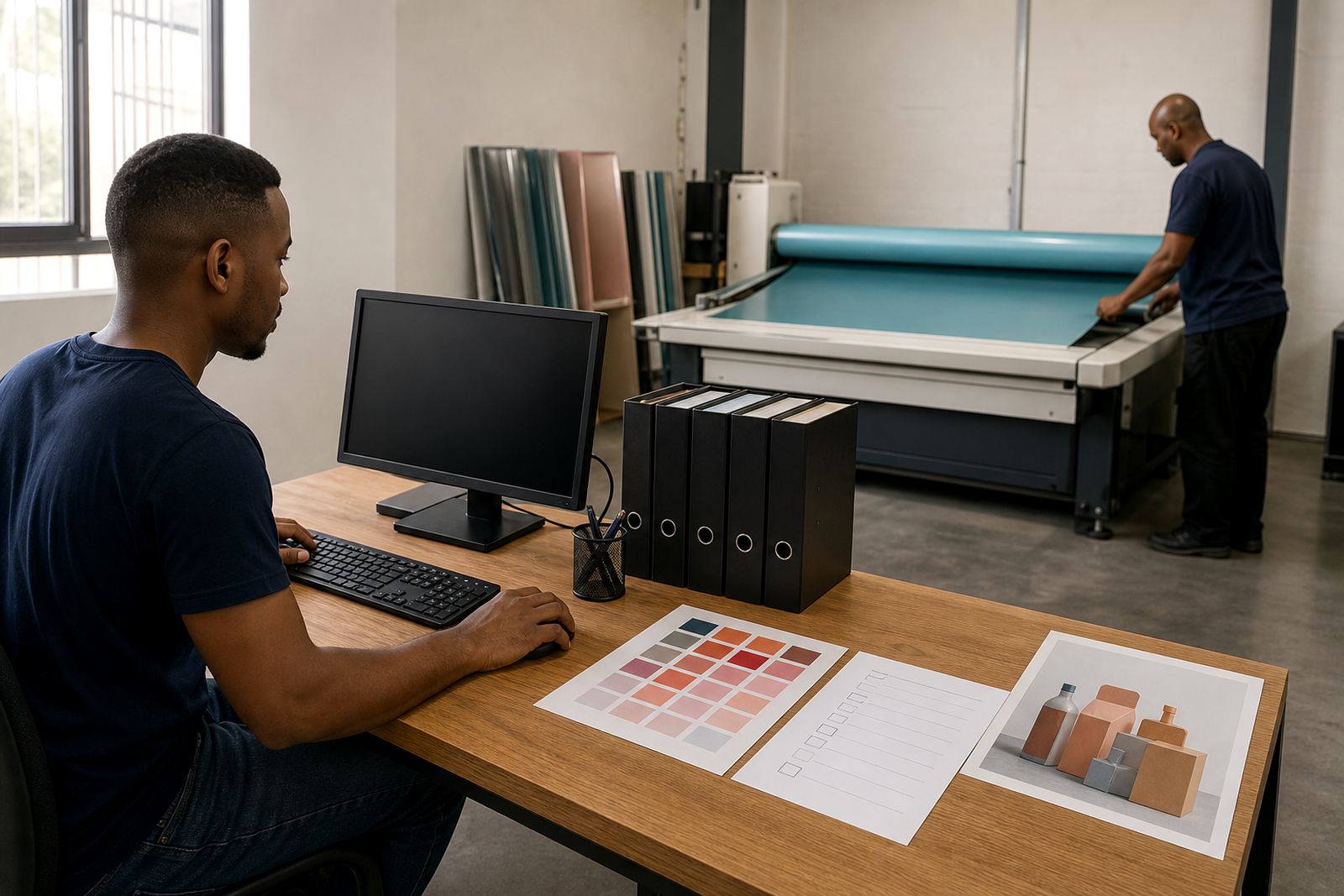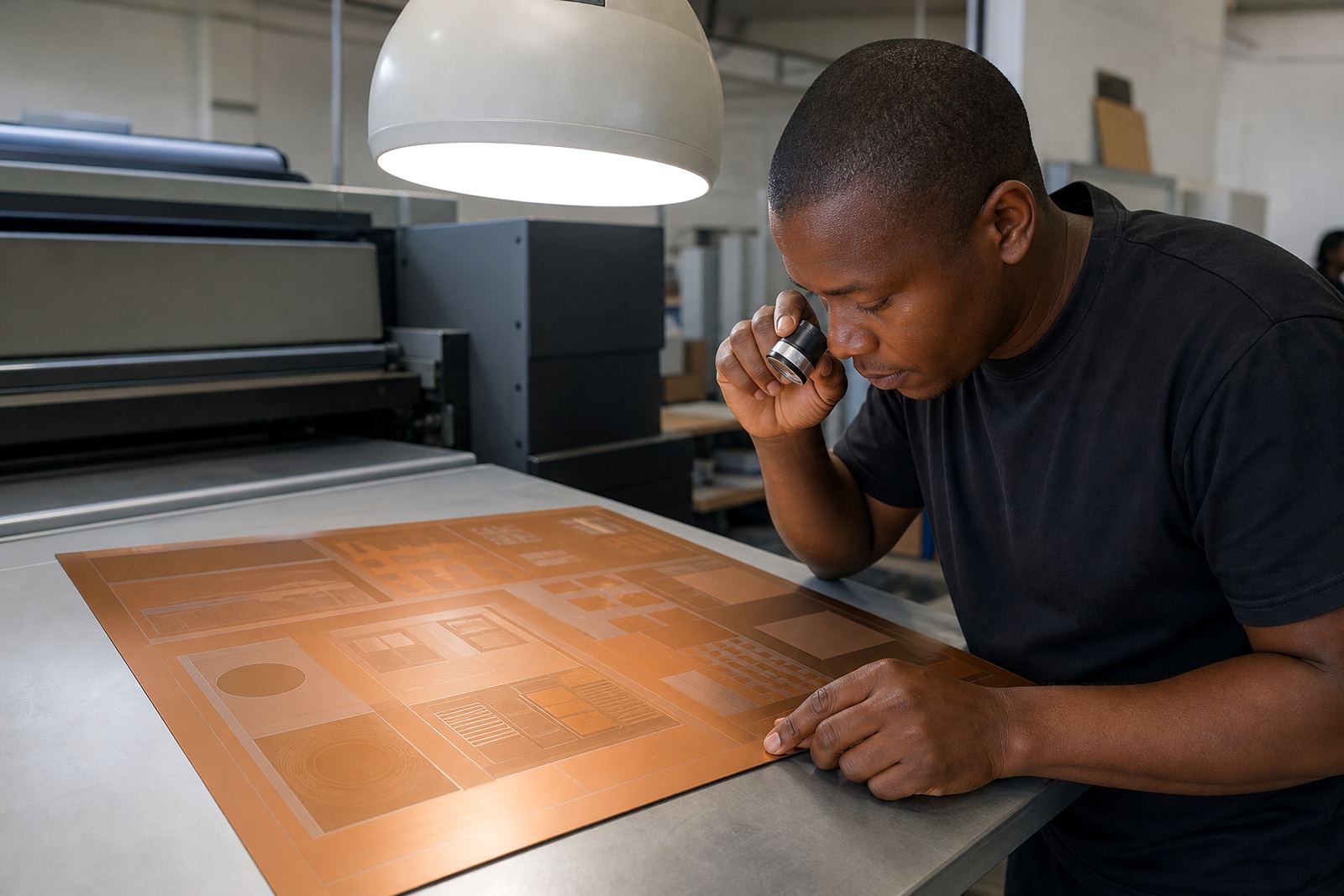

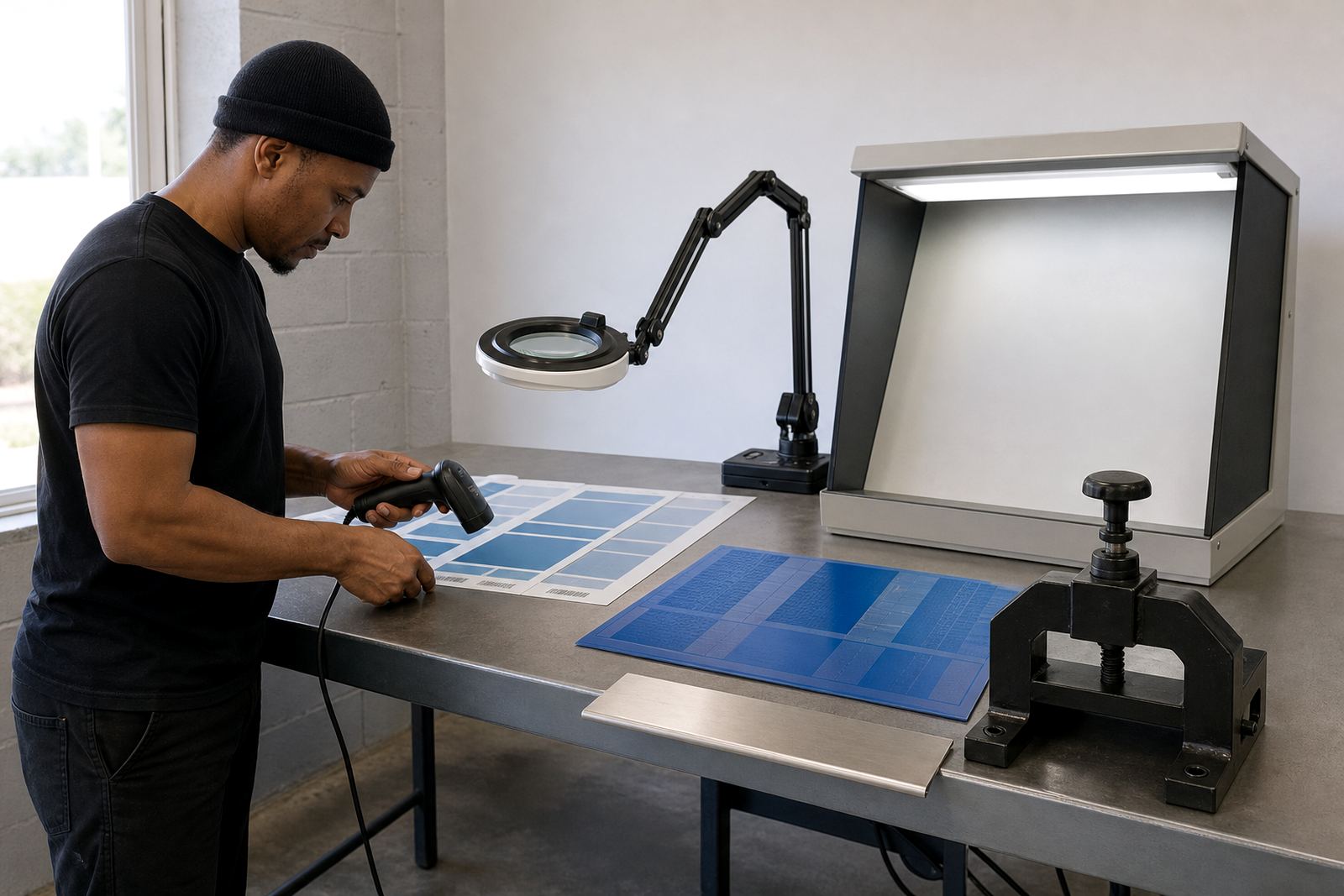
Start With the Barcode Type and Size
Before anything is approved for plate-making, confirm exactly which barcode symbology is being used and whether the artwork matches the customer brief. A barcode for retail labels, cartons or logistics packs may look similar at a glance, but the spacing, ratio and quiet zones still need to suit the application. If the wrong barcode type is placed in the artwork, the print may still look neat, but it can fail when scanned at dispatch or in store.
Check the intended size against the final print size, not just the artwork file. In flexo printing, the plate will reproduce what is supplied, so a barcode that is too small, too tight or too close to other copy can become difficult to read once ink gain and substrate movement are taken into account. This matters on short runs and repeat orders alike, especially where labels need to run consistently on different presses or materials.
Check Quiet Zones, Bar Widths and Human-Readable Text
Barcodes need clean space around them. The quiet zone is not decorative space, it is part of the barcode structure. Keep text, graphics, crop marks and edge elements clear of that area. If other artwork sits too close, scanners can misread the code or reject it completely. The same applies when multiple codes sit on one layout, because crowding can cause confusion on the plate and on press.
Bar width and contrast also matter. Thin bars that are too fine for the chosen plate and substrate can fill in during printing, while thickened bars can change the code pattern. Human-readable numbers should be checked as carefully as the bars themselves, because a good looking barcode with the wrong digits is still a problem. We often see this on packaging artwork where the number line has been moved or shortened during design changes. It is a small detail, but it can stop the job cold.
- Leave the full quiet zone clear on all sides.
- Keep bar widths consistent and do not stretch the code.
- Match the printed numbers to the barcode data exactly.
- Check that the code is large enough for the final print size.
- Make sure no overprint, tint or varnish affects the scan area.
Inspect File Quality Before Plate Imaging
Barcode artwork should be supplied as clean vector art wherever possible, with no distortion from resizing or low resolution images. A barcode copied from a screenshot or placed inside a flattened image can carry hidden errors, jagged edges or softened bars. Those faults may be hard to spot on a monitor but can show up once the flexo plate is made and the job is on press.
We recommend a file check before imaging begins. That includes confirming that the barcode is not part of a background image, that there are no accidental transparency effects, and that the artwork has not been scaled unevenly. If a file was sent through several rounds of edits, the last saved version should be checked against the original instruction. It is easy for one small change to slip through, especially where several languages or pack sizes are involved.
If your pack or label has more than one barcode, label each version clearly in the artwork notes. That helps with prepress review and reduces confusion when the job is being planned for plate output. On busy production days, a clearly marked file saves time and avoids avoidable remake work.
Match the Barcode to the Substrate and Press Conditions
Barcode preparation does not stop at the artwork file. The chosen substrate, ink system and press setup all affect how the final code prints. Film, paper and board behave differently, and a code that reads well on one material may need adjustment on another. On coastal jobs, humidity can also affect handling and drying, while inland jobs in Gauteng may face static and dust issues if the material is not stored properly.
When checking artwork for flexo plate-making, think about how the line weight will print under real production conditions. If the bars are too fine for the press or substrate, the code can lose definition. If the material absorbs too much ink or the plate pressure is high, the bars may spread. This is why barcode checks should happen before imaging, not after the plates are already on the way to press. It saves time and avoids a costly re-make.
- Confirm the final substrate before approval.
- Check whether the code needs adjustment for ink gain.
- Review press direction and label orientation.
- Allow for trimming, slitting and finishing tolerances.
- Keep barcode placement away from folds, seams and die lines.
Use a Preflight Checklist Before Approval
A simple checklist helps catch the issues that are easiest to miss. We suggest reviewing the barcode in the same way you would review any critical production element, because once the plate is made, changes are no longer quick. Compare the data in the artwork against the approved artwork brief, product pack copy and any customer change notes. If there is a mismatch, pause the job and correct it first.
Preflight should also include a visual check of size, position and print safety. Make sure the barcode is not too close to cut lines, glue areas or folds. Check that spot colours or overprint settings are not affecting the code, and confirm that the barcode remains sharp when viewed at the size it will print. A clean file at this stage supports cleaner plate imaging, better proof comparison and fewer surprises later on.
For printers working across Johannesburg, Pretoria, Durban, Cape Town and Gqeberha, this step is especially useful when jobs travel between sites or are couriered in batches. Consistent file checking means the same artwork behaves the same way wherever it is printed.
How Flexo Printer Plates Supports Barcode-Ready Artwork
Flexo Printer Plates in Midrand prepares flexo photopolymer plates for label and packaging printers across South Africa, with courier delivery to Johannesburg, Pretoria, Durban, Cape Town and Gqeberha. Our team handles artwork preflight, file checking, imposition planning, screening support, proof comparison, plate trimming, plate labelling, remake support, dispatch packing, collection coordination and technical job advice. That makes it easier to catch barcode issues before imaging starts.
Founded in 2007 and led by Sibusiso Mthembu, the team includes Ayesha Naidoo, Pieter van Wyk, Lerato Molefe, Morne Jacobs and Zinhle Dlamini. When barcode artwork needs a second look, use the enquiry form on our contact page and send the file with clear notes on the substrate, final size and any previous print concerns. We can then review the job with the plate process in mind and help keep the artwork ready for production. A small check here often prevents a bigger problem later, and that matters on tight schedules.