
Why small artwork faults cause bigger plate problems
In flexo plate-making, the artwork is only as good as the files supplied at the start. A missing outline, a low resolution image, or a font that has not been converted can affect the finished plate and the print run that follows.
For printers in Midrand, Johannesburg and Pretoria, these mistakes often surface when a job is already on the schedule. That is when a simple correction becomes a delay across the whole production line. In busy periods, especially when load-shedding is already disrupting planning, it helps to catch problems before plates are made.
We often see the same issues repeated on label and packaging work. The good news is that most of them can be avoided with a careful file check and a clear handover between the customer and the prepress team.
Missing bleed and trim marks around labels and cartons
Bleed is one of the first things to check. If artwork stops exactly at the trim line, any slight movement during cutting or mounting can show a white edge. That is a common problem on labels, sachets and folded cartons where the image must carry past the final size.
Trim marks also need to be set correctly. If they are placed too close to the artwork, or left out completely, the plate maker has to make assumptions about the intended size. On repeat jobs, that can lead to a mismatch with previous runs.
- Allow bleed on all sides where colour or image reaches the edge.
- Keep trim marks clear of key copy and barcodes.
- Check that the supplied size matches the printer's final cutting size.
Low-resolution images and soft edges in supplied files
One of the most common artwork errors is a raster image that looks fine on screen but breaks down when enlarged. A logo saved too small, or a product photo lifted from a web file, can print with soft edges and poor detail. On packaging, that can affect both brand appearance and legibility.
Vector artwork is usually preferred for line work, text and logos because it holds its edge better through prepress and plate output. If a file contains embedded low-resolution pictures, the issue may only become visible once the artwork is separated and checked for plate production.
We advise printers to supply original artwork at the correct size where possible. If not, at least flag any image that has been resized many times, because the result may look acceptable on a monitor but not on a finished flexo plate.
Fonts, outlines and text that change without warning
Fonts are easy to overlook, yet they create some of the most frustrating file issues. If text is not converted to outlines or if the correct font files are missing, the artwork can reflow, change spacing, or replace characters on opening. That is a headache nobody wants just before plate approval.
Small type is especially sensitive. On labels and sleeves, a tiny shift in tracking can affect readability, especially where nutritional details, batch lines or legal copy must remain clear. This is where a proof comparison matters, because text that looks normal in one software package may behave differently in another.
- Convert supplied text to outlines when final text changes are not expected.
- Keep a copy of editable artwork if changes may still be needed.
- Check that superscripts, symbols and special characters are still correct after export.
Colour settings, spot colours and poor separation choices
Colour mismatches are common when files are built in the wrong mode or when spot colours are not clearly defined. A design may be supplied in RGB from a screen-based workflow, while the press needs a separations approach that suits flexo printing. If this is not corrected early, the printed result can shift from the approved artwork.
Simple spot colour naming is also important. If the same colour is labelled in several different ways, the plates may not separate as expected. This can create extra work during imposition planning and screening support, especially on jobs with multiple brand colours or fine overprints.
For printers serving Gauteng, KZN or the Cape, consistency matters because repeat jobs often move between teams, sites or branches. A clear colour structure at the start saves time later and helps keep output steady from one run to the next.
Overprinting traps, knockouts and fine detail near the edge
Some artwork looks correct until it is separated for plate work. Overprint settings can hide white text, while knockouts can leave thin gaps that are hard to hold on press. Fine lines near the edge of an image can also fill in or break up, depending on the screen and the substrate.
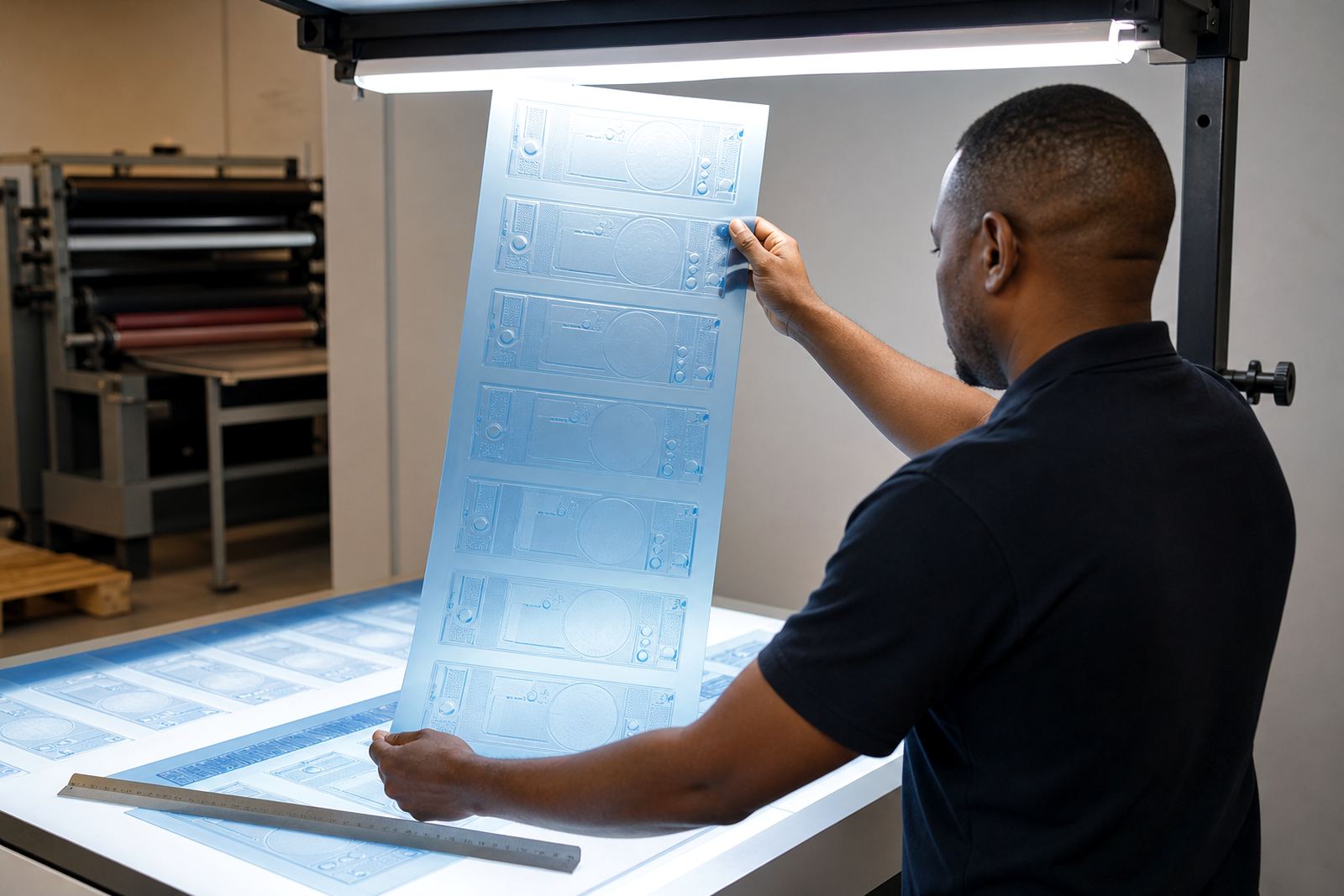
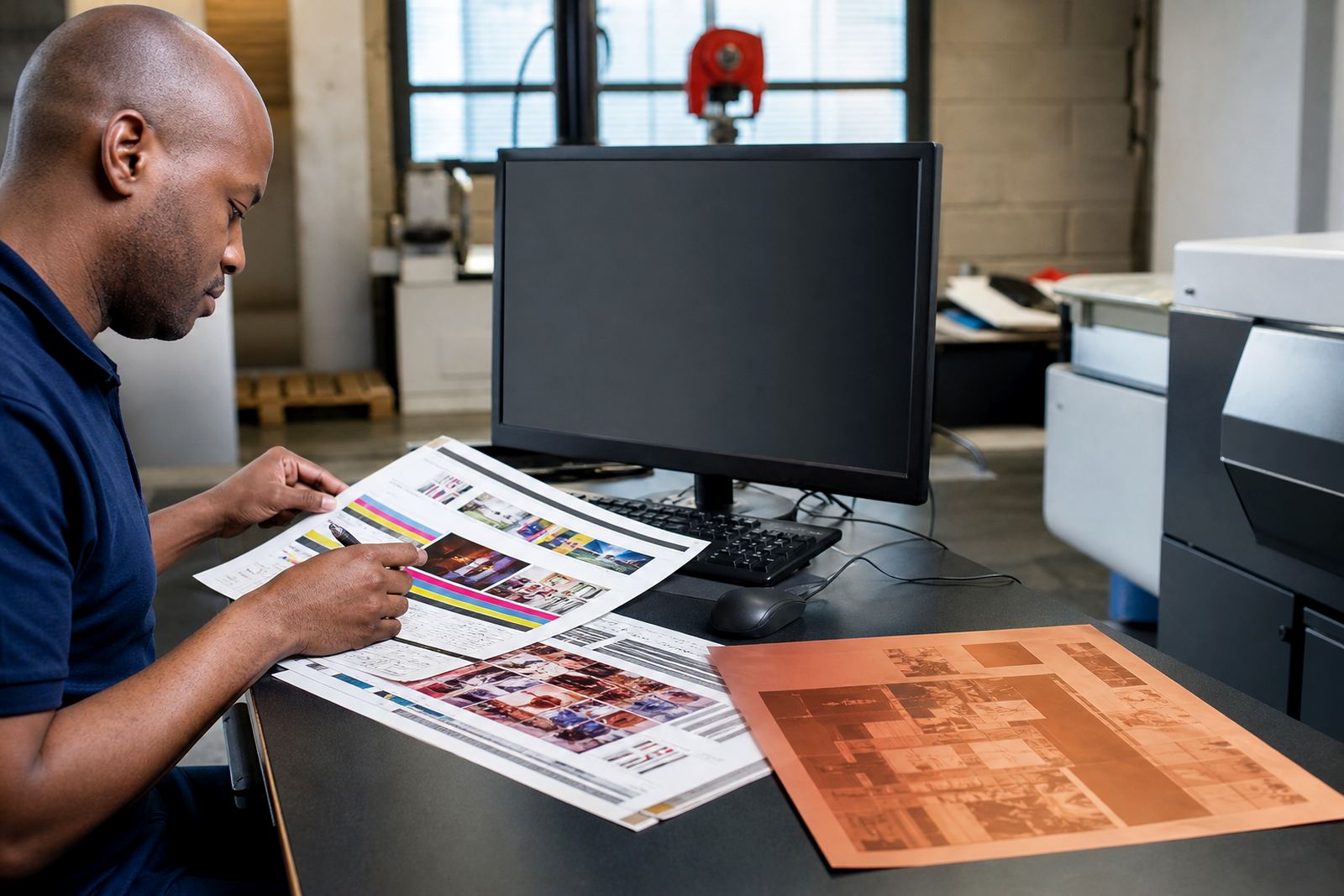
These details matter most on small labels, barcodes, reverse type and security marks. A customer may only notice the issue after the first proof, which is why proof comparison is a useful part of the process. It gives the printer and plate maker a chance to check that what was intended is what will print.
- Review overprint settings on text, tints and varnish areas.
- Check that small reversed-out copy remains readable at production size.
- Flag hairline rules and fine traps before output.
A local example from the Midrand print route
A label printer in Midrand recently sent through a job for a packaged food line heading to shelves in Johannesburg and Durban. The artwork looked ready at first glance, but the image area had no bleed, one font was missing, and a barcode sat too close to the trim. If the file had gone straight to plate making, the result would have been a rework and a missed dispatch slot.
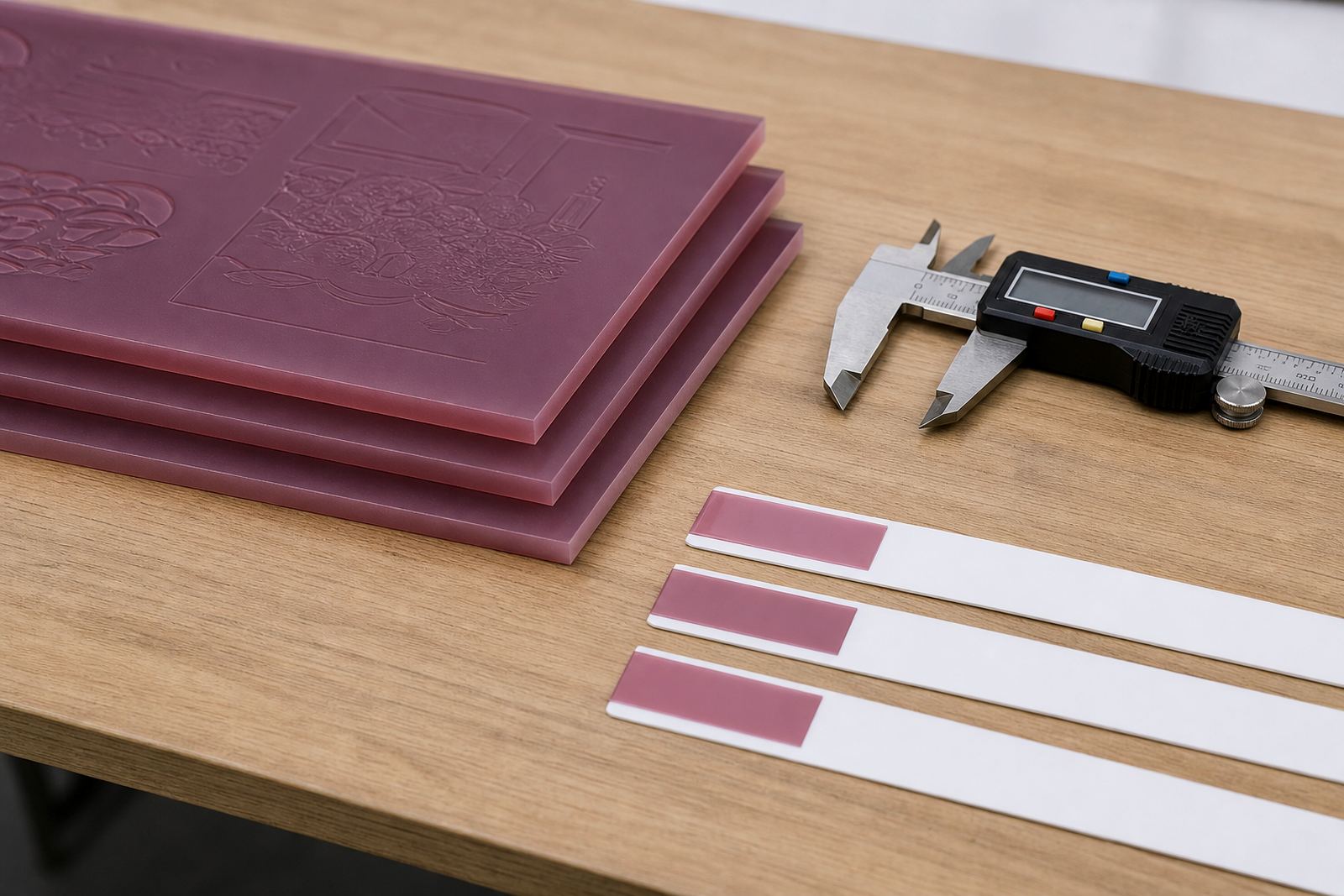
After file checking and a short round of technical job advice, the artwork was corrected, the plates were trimmed and labelled, and the job moved through dispatch packing for courier delivery. That kind of early intervention is not dramatic, but it keeps production moving and helps avoid costly do-overs.
For printers handling repeat packaging work, this is usually the best approach. A quick preflight check before approval is far easier than trying to fix a problem after plates are on the press.