
Start with barcode artwork that is meant for flexo
Barcode problems often begin before the plate is made. If the artwork is supplied as a low-resolution image, stretched in layout, or built with thin line work that is too close to the minimum, the plate can only reproduce what is there. Flexo printers need barcode artwork that is clean, properly sized and locked in before plate-making starts.
In practice, that means checking the barcode symbol, the human-readable text, the quiet zones on both sides and the contrast between bars and background. Black on white is the safest option for most label work, while reversed or colour-on-colour versions need extra care. If a carton label is going to a cold store in Durban or a warehouse in Midrand, the barcode must stay readable after handling, packing and moisture exposure.
For printers working across Johannesburg, Pretoria and the coastal centres, one common issue is artwork that looks fine on screen but compresses during print. A barcode can still scan if the design is simple and the edges are sharp, but once the file has been flattened badly or rebuilt from a photo, the chance of distortion rises fast.
Keep quiet zones and bar widths protected
Quiet zones are the blank areas on both sides of a barcode. They are not empty space that can be filled in later. If a logo, rule line or coloured panel creeps into that area, scanners may misread the code even when the bars themselves look accurate. This is one of the first things to check during prepress and file checking.
Bar width consistency matters just as much. Flexo plate-making must reproduce fine details without softening the edges. When the plate is trimmed poorly or mounted slightly off centre, the result can change the apparent width of the bars. That small shift is enough to upset scan rates on small labels and narrow packaging panels.
- Leave the required quiet zone clear on both sides of the barcode
- Avoid placing text, borders or product art too close to the symbol
- Keep bar widths consistent across the full symbol
- Use enough contrast between the bars and the background
- Check that the barcode is not forced into a space that is too small
When a job is going out on courier from Midrand to Cape Town or Gqeberha, a little extra protection in the artwork is worth more than trying to correct the barcode after plates are already on the route.
Plate-making details that affect barcode readability
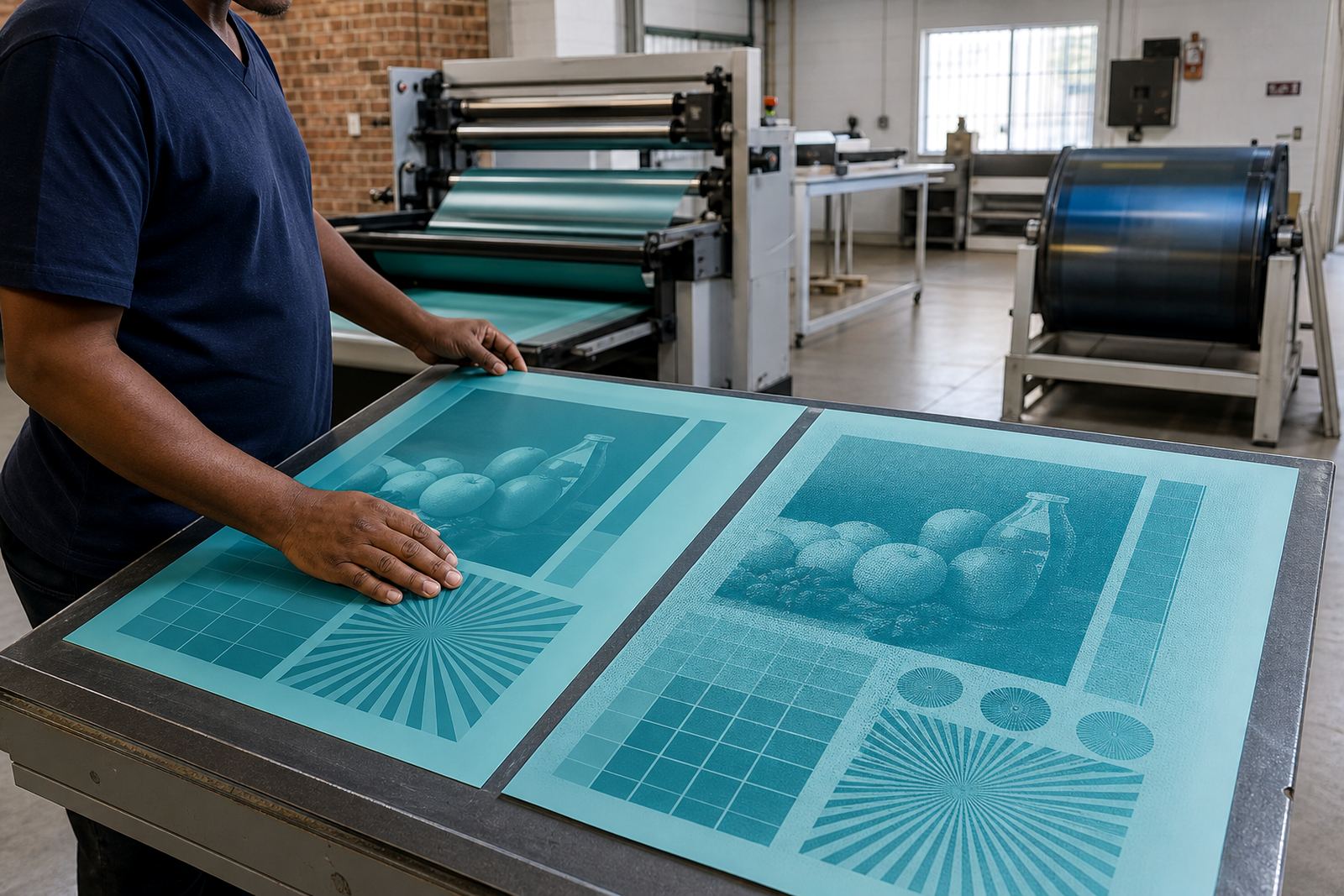
Barcodes are unforgiving, so the plate-making process needs careful control from the first file check to the final trim. A photopolymer plate that is set up correctly can hold clean edges and fine detail, but only if the artwork is suitable and the job is handled with precision.
Screening can also influence barcode areas. In some jobs, the surrounding graphics need screening support, but the barcode itself should usually remain as clean as possible. If the code is sitting inside a shaded panel or over a textured background, the plate output can pick up unwanted dot gain or soft edges. That is why proof comparison is useful before the job is released.
Technical job advice matters here as well. A printer may want a barcode to sit on a flexible film with a glossy finish, or on a coated carton that changes appearance under different lighting. In those cases, the plate room needs to look at ink spread, impression pressure and substrate movement. On humid days in Durban, for example, lightweight packaging can shift slightly and affect how the bars appear on press.
For our team in Midrand, a barcode job is never just a small block on the artwork. It is part of the full print system, from file checking and imposition planning to plate trimming and labelling.
Set the press conditions before the first sheet runs
Even a good plate can struggle if the press is not set up properly. Flexo printing depends on consistent pressure, clean anilox control and good registration. For barcode areas, too much pressure can close up fine spaces between bars, while too little pressure can leave broken edges that scanners dislike.
Load-shedding also needs to be considered by many South African print shops. If the press stops and starts during a run, the settings can drift and the barcode area may be the first place where the change shows. It helps to keep a clear press check routine so that the first sample and the last sample are compared properly.
- Confirm impression pressure before the full run starts
- Check ink laydown on the barcode area first, not last
- Watch for plate bounce or registration drift after a stop-start
- Use proof comparison to spot changes between the approved sample and the press sheet
- Retain a sample from the approved start-up sheet for later comparison
When a job is moving from Johannesburg to Pretoria by same-day collection or heading out as a scheduled courier delivery, the aim is simple: the barcode should scan the same way at dispatch as it does when the pack reaches the warehouse.
Label and packaging examples that need extra care
Barcode placement is often different on labels and on outer packaging. A label may need a compact code near a product name, while a carton or pouch may need more space around the symbol so scanners can read it through handling marks and light wear. Packaging printers need to think about where the code will sit once the pack is folded, sealed or stored.
For example, a barcode near a heat-seal area can distort if the substrate shrinks slightly. A code printed too close to a corner on a carton may get rubbed during stacking. On short-run promotional labels, another risk is artwork changes at the last minute, where the barcode is shifted by a few millimetres and loses its quiet zone. That sort of problem is easy to miss if nobody is checking the file against the final layout.
Printers in East Rand, West Rand and the wider Gauteng area often need remake support when a barcode is not reading cleanly after the first run. Most of those issues can be avoided with stronger prepress checks and careful plate mounting. It saves time, material and a lot of unnecessary back-and-forth.
Practical checks before the plate goes out for delivery
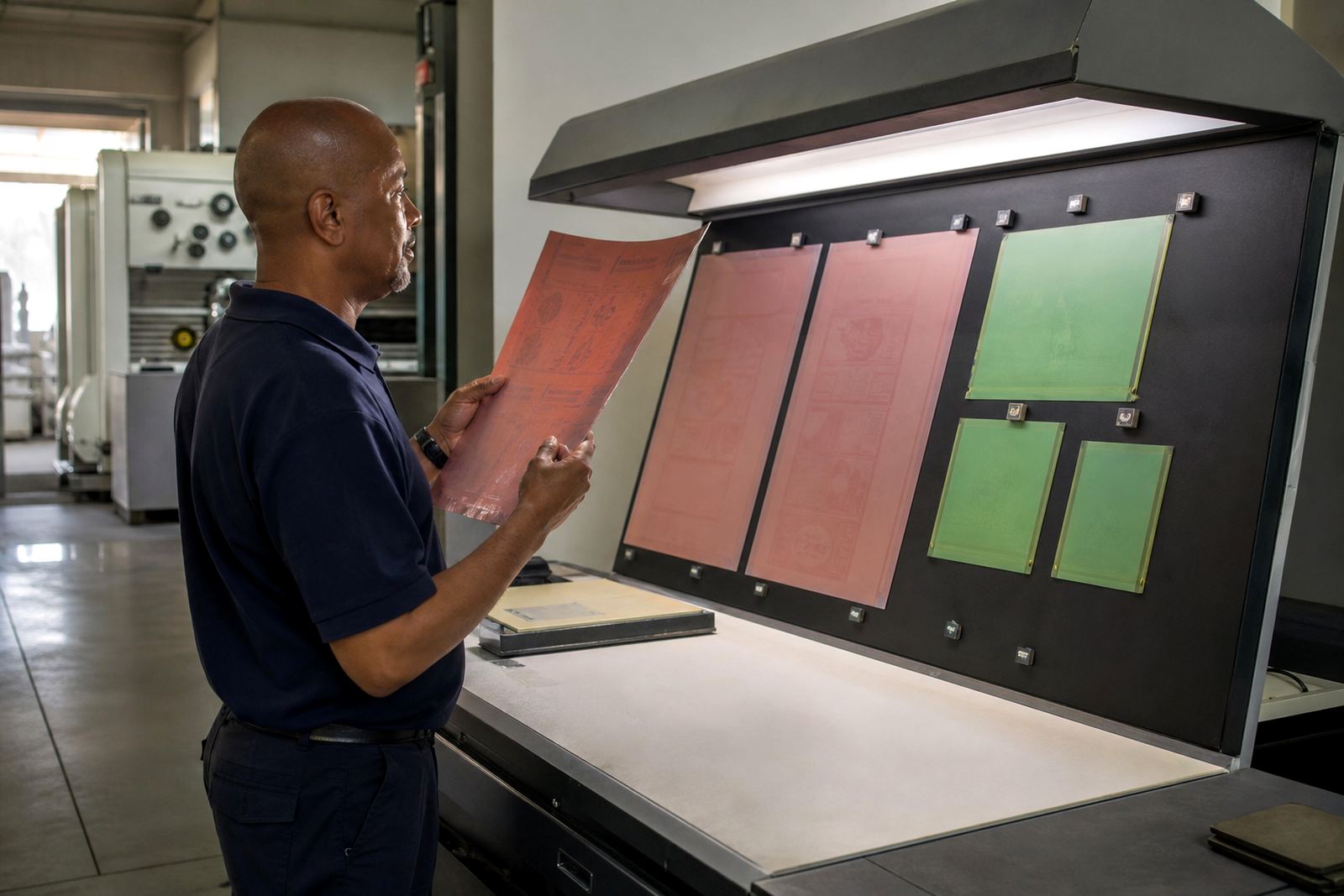
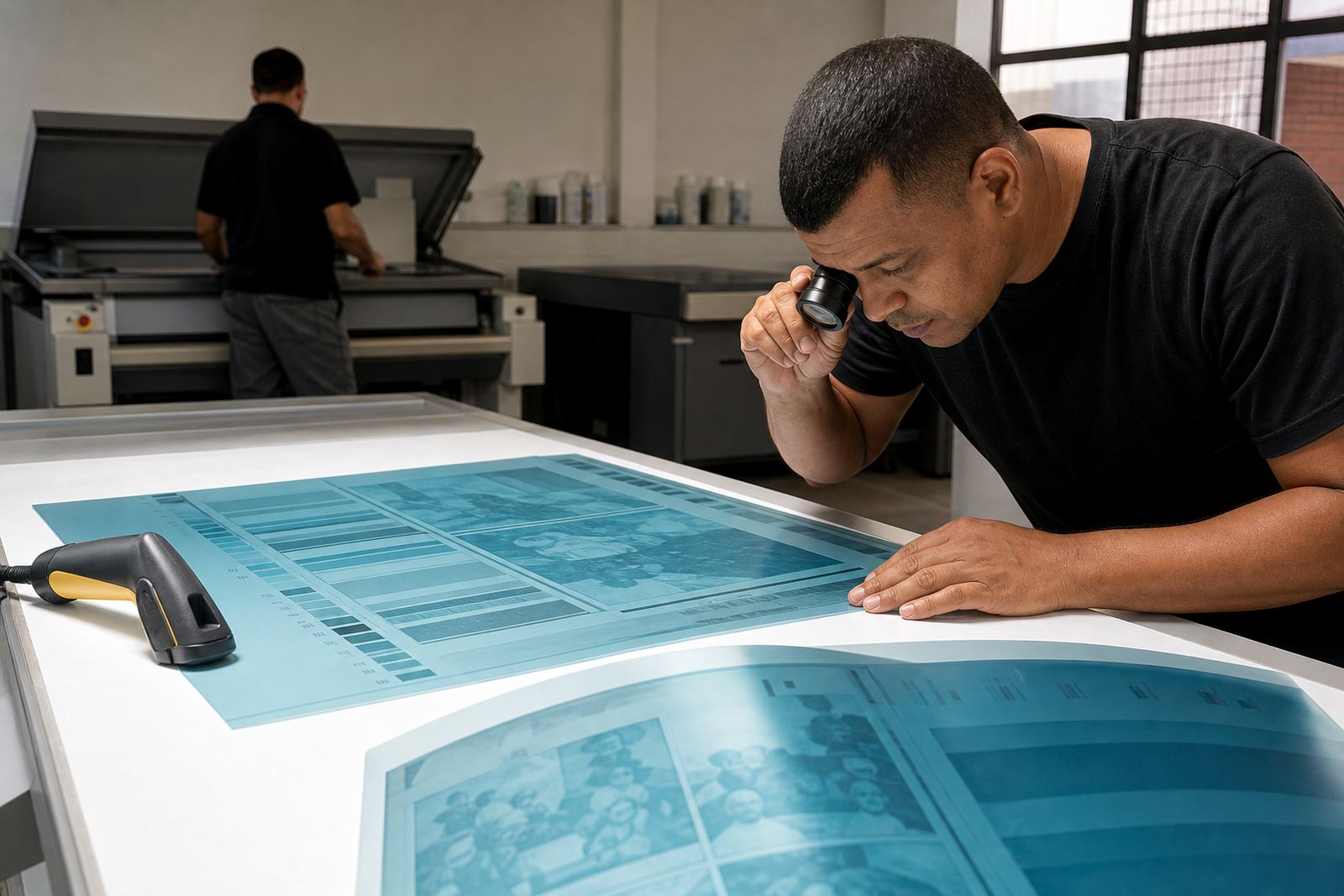
A barcode area should be checked from more than one angle before the plate leaves the plate room. The file itself must be right, the artwork spacing must be right, and the finished plate must be packed and labelled so it arrives ready for use. That is especially important when jobs are couriered across South Africa and the printer needs to get straight onto press.
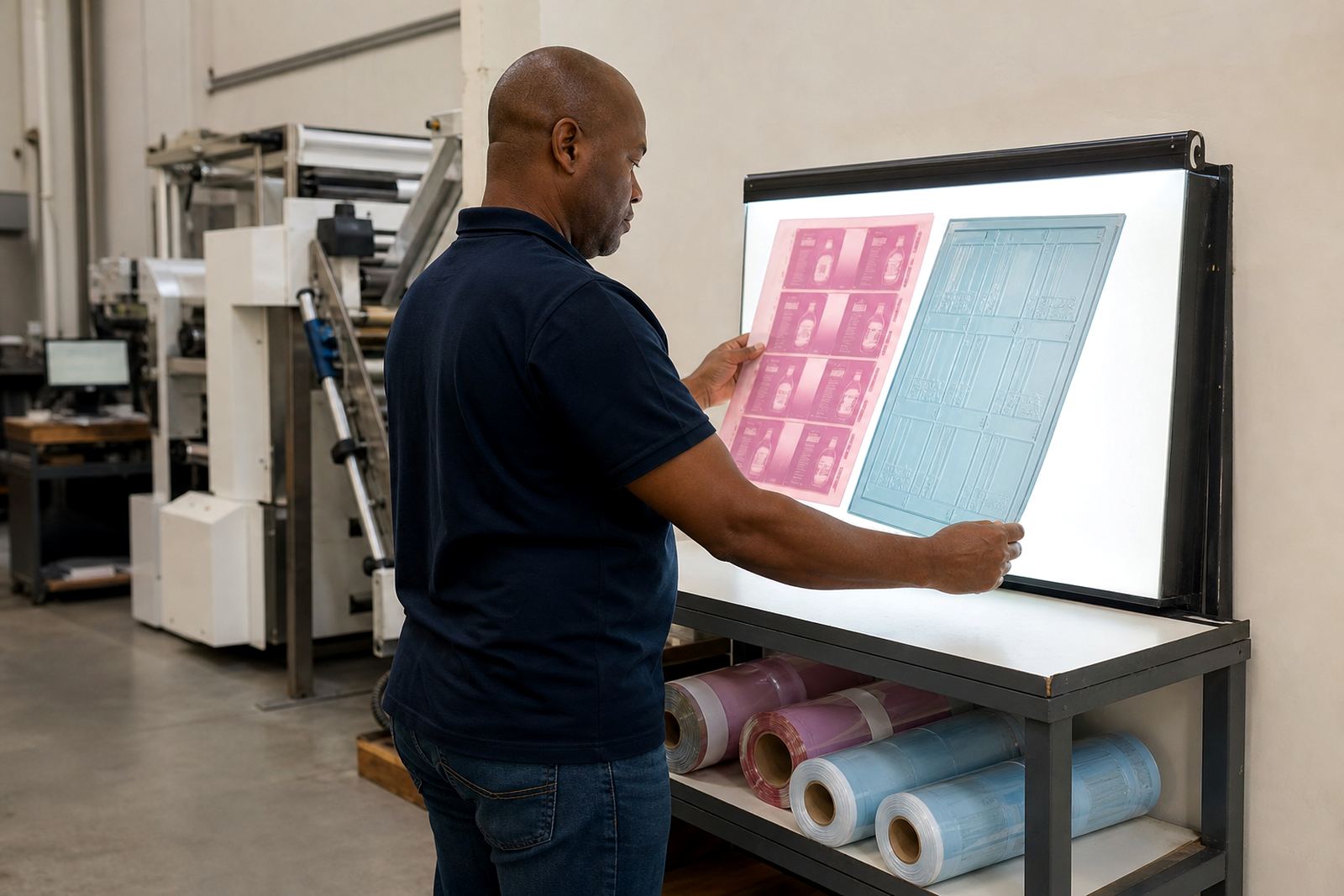
At Flexo Printer Plates in Midrand, plate making is supported by artwork preflight, file checking, imposition planning, proof comparison, plate trimming, plate labelling and dispatch packing. Those steps help reduce avoidable barcode errors before the job reaches the printer. The point is not to overcomplicate the process, but to catch the small things that affect scan quality.
A practical pre-dispatch check should cover the following:
- Barcode size and placement on the final layout
- Quiet zone clearance
- Readability of the human-readable numbers
- Plate trim edges and mount position
- Packaging of the finished plates for transport
When the job is prepared properly, the barcode area prints cleaner, the pressroom spends less time adjusting, and the final pack is easier for the customer to scan, store and dispatch.