
Why Resolution Matters Before the Plate Is Made
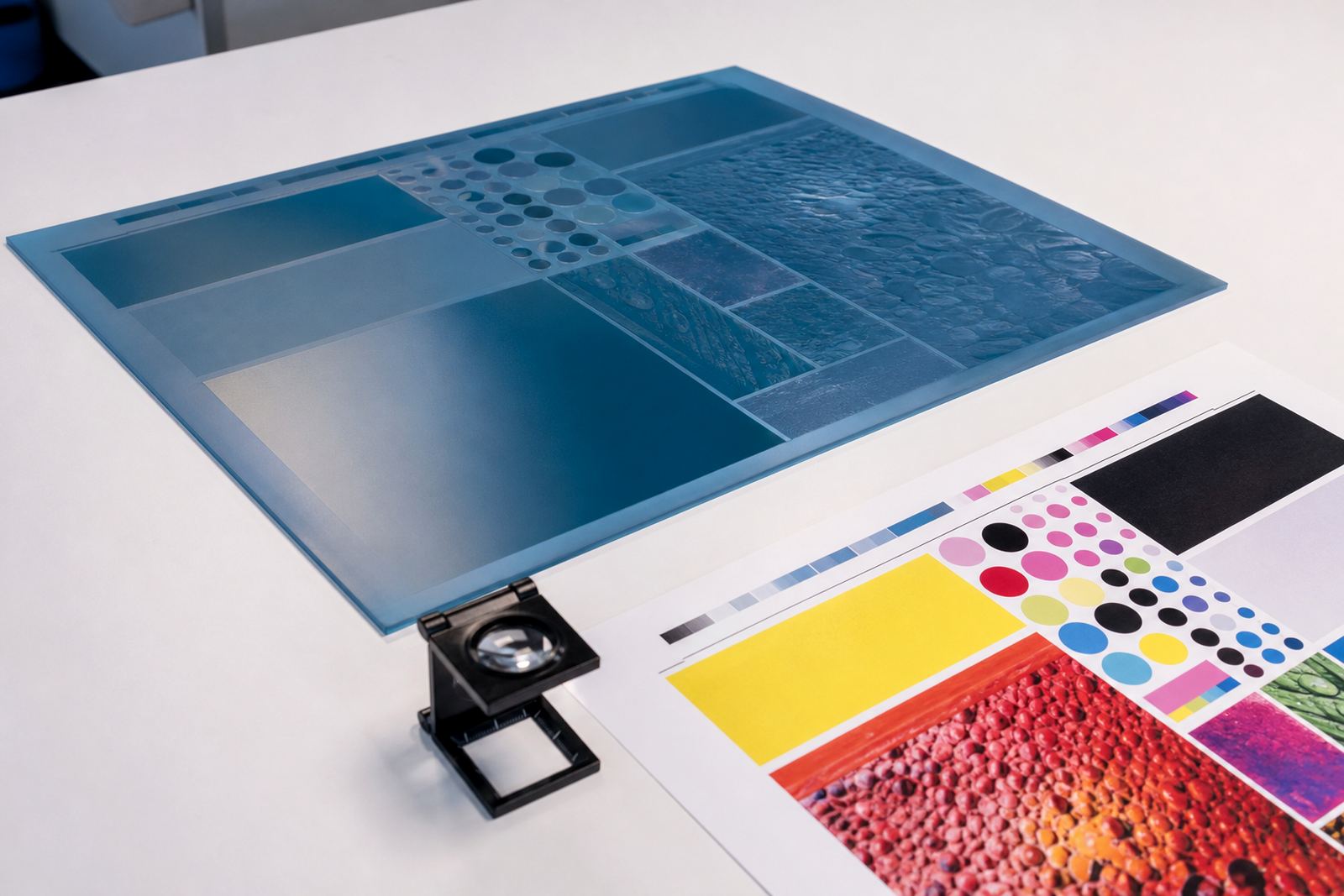
In flexo work, resolution is not just a computer setting. It affects how fine lines, small text, halftones and tight logo details survive the route from artwork to finished plate. A high-quality photopolymer plate can only reproduce the detail that is actually in the file, so weak images often show up as fuzzy edges, broken highlights or heavy shadows once printed.
For label and packaging printers, this matters on everyday jobs like barcode panels, ingredient blocks, side panels and small branding elements. A carton or label may look fine on screen, but if the file has been enlarged too much, the print can lose sharpness and the plate will carry that loss through to the press.
What Resolution Means in Practical Terms
Resolution is usually measured in pixels per inch, or ppi, for artwork and in dots per inch, or dpi, for output devices. The important point is simple: more useful detail in the original artwork generally gives the plate better information to work with. Low resolution files often look acceptable when viewed quickly, but they can show rough edges when used for prepress and plate making.
As a rule of thumb, images with fine detail need to be supplied at the size they will print, not stretched afterwards. If a picture is small and then enlarged for a sleeve, label or carton, the pixels spread out and the image loses clarity. That can mean soft edges on faces, grainy photos or poor reading on small lettering.
- Small text needs especially clean source files.
- Images should be placed at final print size where possible.
- Line art and logos must stay crisp, not compressed into a rough picture file.
The Parts of Artwork That Suffer First
Not all parts of a design react the same way to poor resolution. Large blocks of colour may still look passable, but the finer details are usually the first to suffer. This includes serif text, thin rules, hairlines, reversed-out copy and tiny legal notes. In flexo, these parts can disappear or fill in if the file is weak or if screening support has to compensate for poor source material.
Photos and gradient areas also need attention. A picture of a product bottle, for example, may look acceptable on a laptop screen but print with banding or a dull finish if it has been compressed too hard. We often see this on short-run packaging and label jobs where the artwork has passed through several hands and been saved a few times too many.
- Body copy under 6 pt is more sensitive to soft artwork.
- Thin reversed text can close up during printing.
- Subtle shading often reveals compression first.
How to Spot a File That Will Print Soft
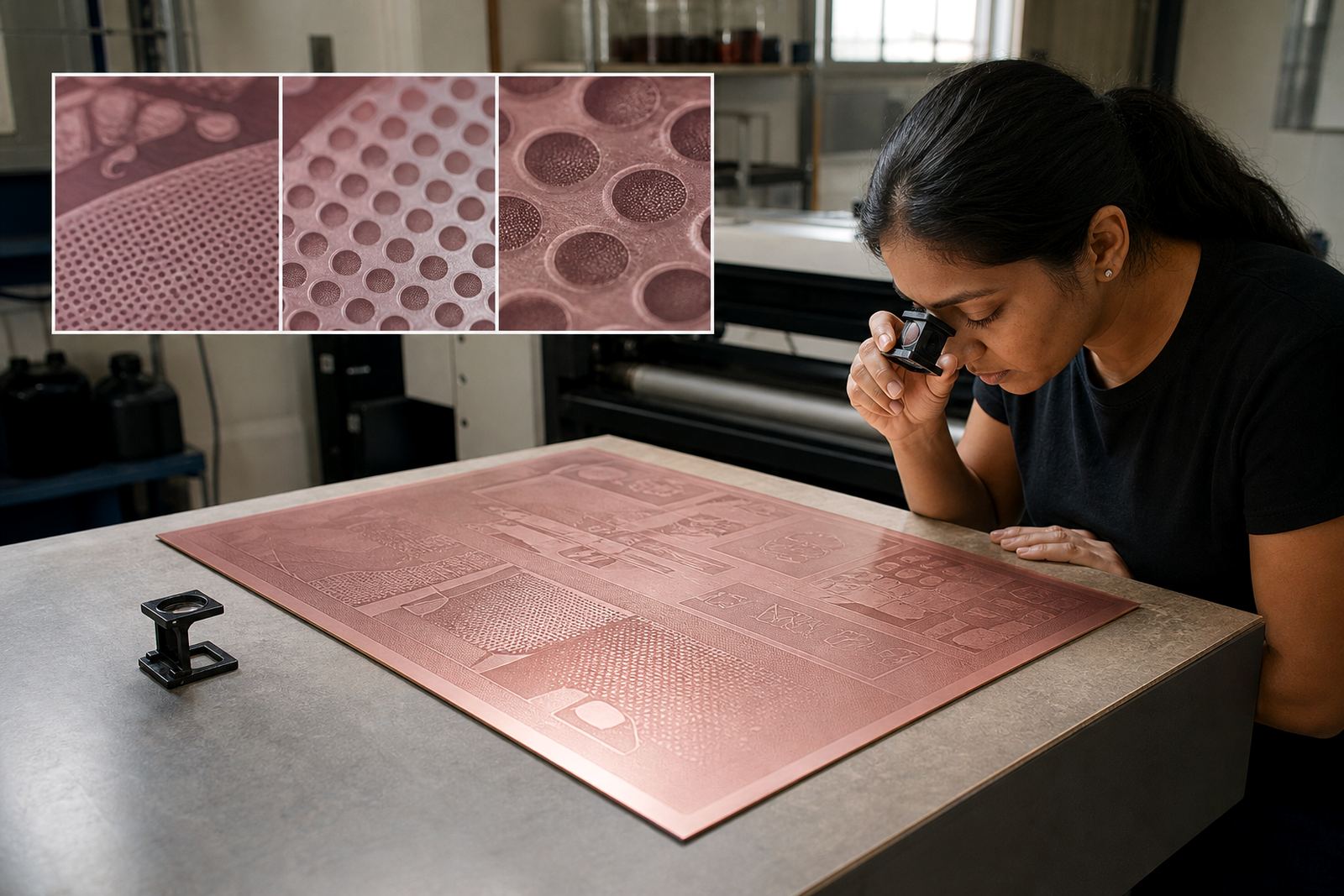
A practical file check can prevent a lot of trouble. Before plate making, zoom into the artwork at actual print size and look for jagged edges, blurred type, blocky shadows and uneven curves. If the logo looks sharp at 25% view but rough at 100%, that is usually a warning sign. Files copied from social media, web pages or low-size PDFs are common causes.
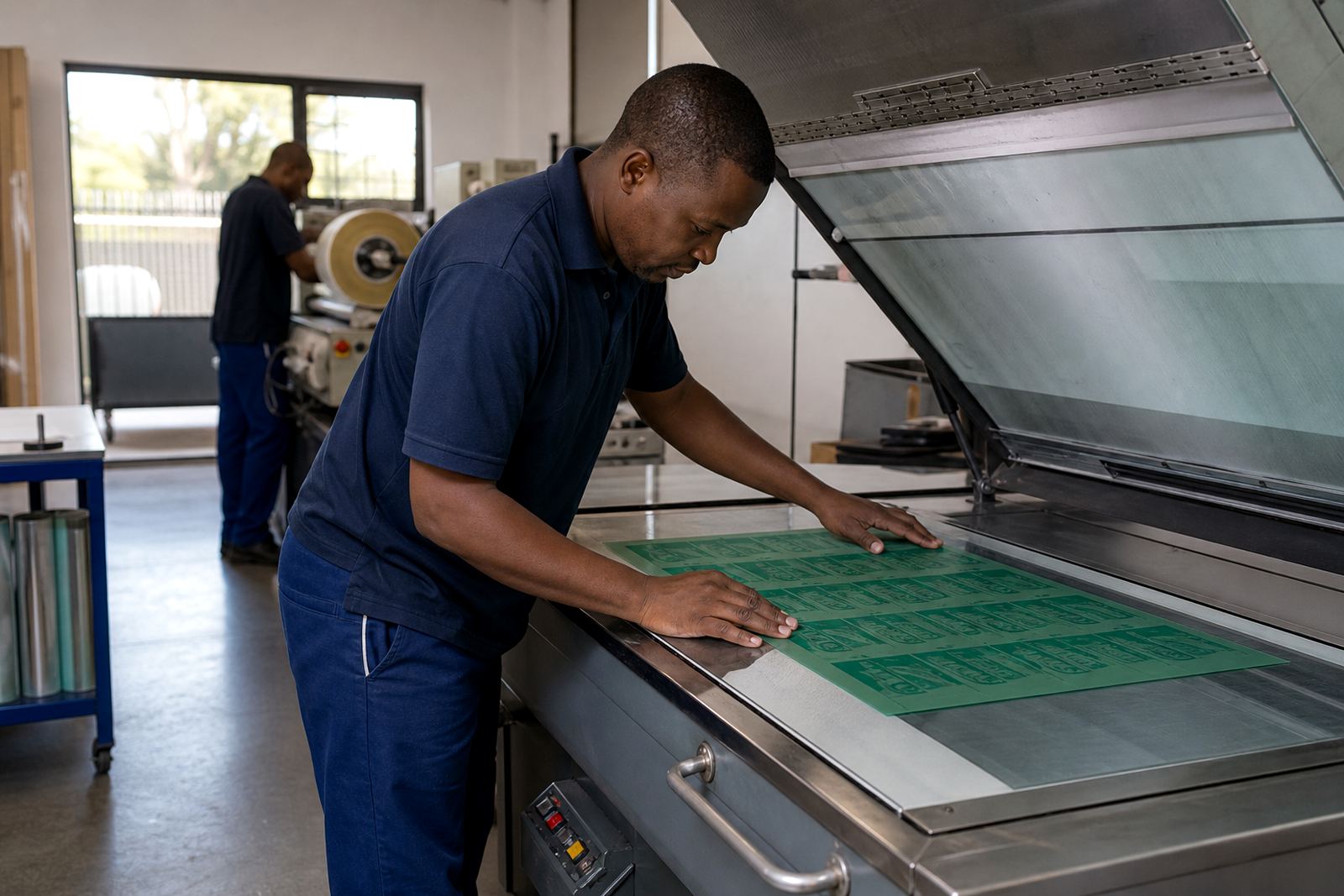
If you are preparing work in Midrand for courier to Johannesburg, Pretoria or Durban, it is worth checking the file before dispatch. Once a weak file is mounted and plated, the issue is harder to correct. In many cases the job can still be saved, but it may need artwork adjustment, image replacement or a revised proof before it goes ahead.
- Open the file at final size and inspect small type.
- Check whether images are linked correctly and not missing detail.
- Look for compression marks around pictures and shaded areas.
Resolution, Screening and Plate Detail Work Together
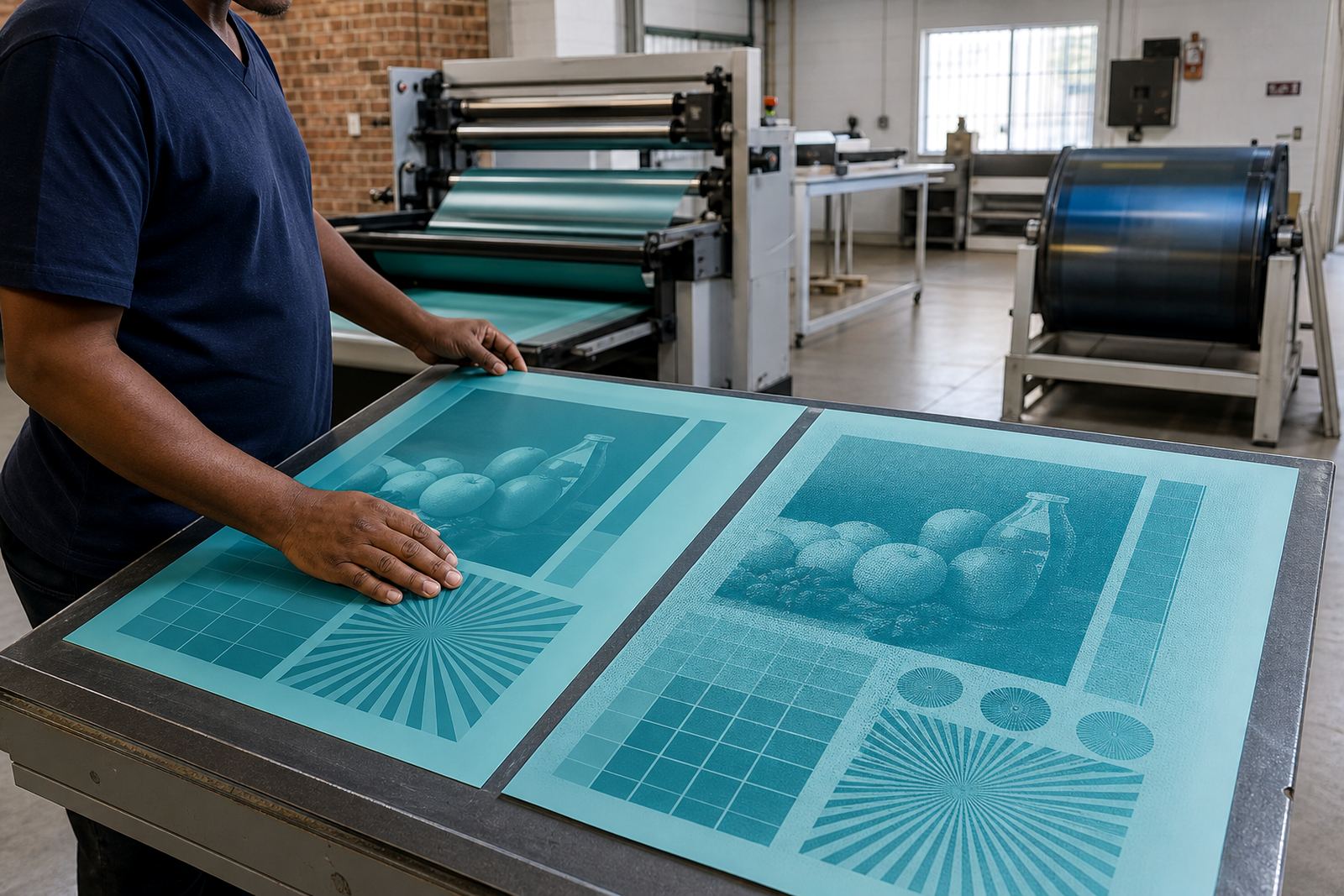
Good resolution alone does not guarantee a clean print. Screening and plate setup also affect the final result. Fine image detail must be matched with suitable screening support and careful file checking, otherwise the plate may hold more or less detail than intended. A good prepress workflow balances the artwork, the screen and the plate surface so the finished image reproduces properly on press.
This is particularly important on packaging where small type, solid panels and tonal images sit close together. If the art department sends a file with sharp photography but weak line work, the plate may still print unevenly. That is why technical job advice matters before the plate is produced, not after the sheets have already started coming off the machine.
A Midrand Example: Label Work That Needed Better Source Files
A practical example is a local label printer in Gauteng sending artwork for a small food label with fine ingredient text and a product photo. The logo was clear, but the image had been enlarged from a web file and the text had been saved into a low quality PDF. On screen it looked usable, yet the detail would have printed soft and the small copy could have lost legibility.
After artwork preflight and file checking, the image was replaced with a higher quality version and the layout was adjusted before imposition planning. The plate then had cleaner detail to work from, which helped the printed label hold its small text and picture better. It saved time, reduced the chance of remake support later and meant the printer could move ahead with more confidence. A small fix at the start can prevent a lot of waste, even when the job is tight on time.
Simple Ways to Improve Your Next Plate Job
If you want better plate detail, start with cleaner source material and a tighter prepress routine. Do not rely on images pulled from websites or messages, and avoid resizing artwork more than necessary. When a file is prepared properly, plate making becomes more predictable and the print outcome is easier to control across repeat jobs.
For printers in South Africa, this matters whether the job is going to Cape Town, Gqeberha, the East Rand or a plant near the harbour where humidity can affect handling. Clean files, clear naming, good trimming and proper dispatch packing all help the job stay in order from one step to the next.
- Send artwork at final size wherever possible.
- Keep text live and editable, not flattened into a picture.
- Use sharper originals for logos, photos and small type.
- Ask for proof comparison before approving a remake or repeat.