
Why ingredient panels need more than a neat grid
Ingredient panels look simple at first glance, but they often contain the most demanding block on a label or carton. You may need ingredient names, allergens, nutrition notes, batch references, storage instructions, barcode areas and legal text all within a tight panel. If the layout is squeezed too hard, the plate will reproduce every weakness, from cramped line spacing to faint reversal text.
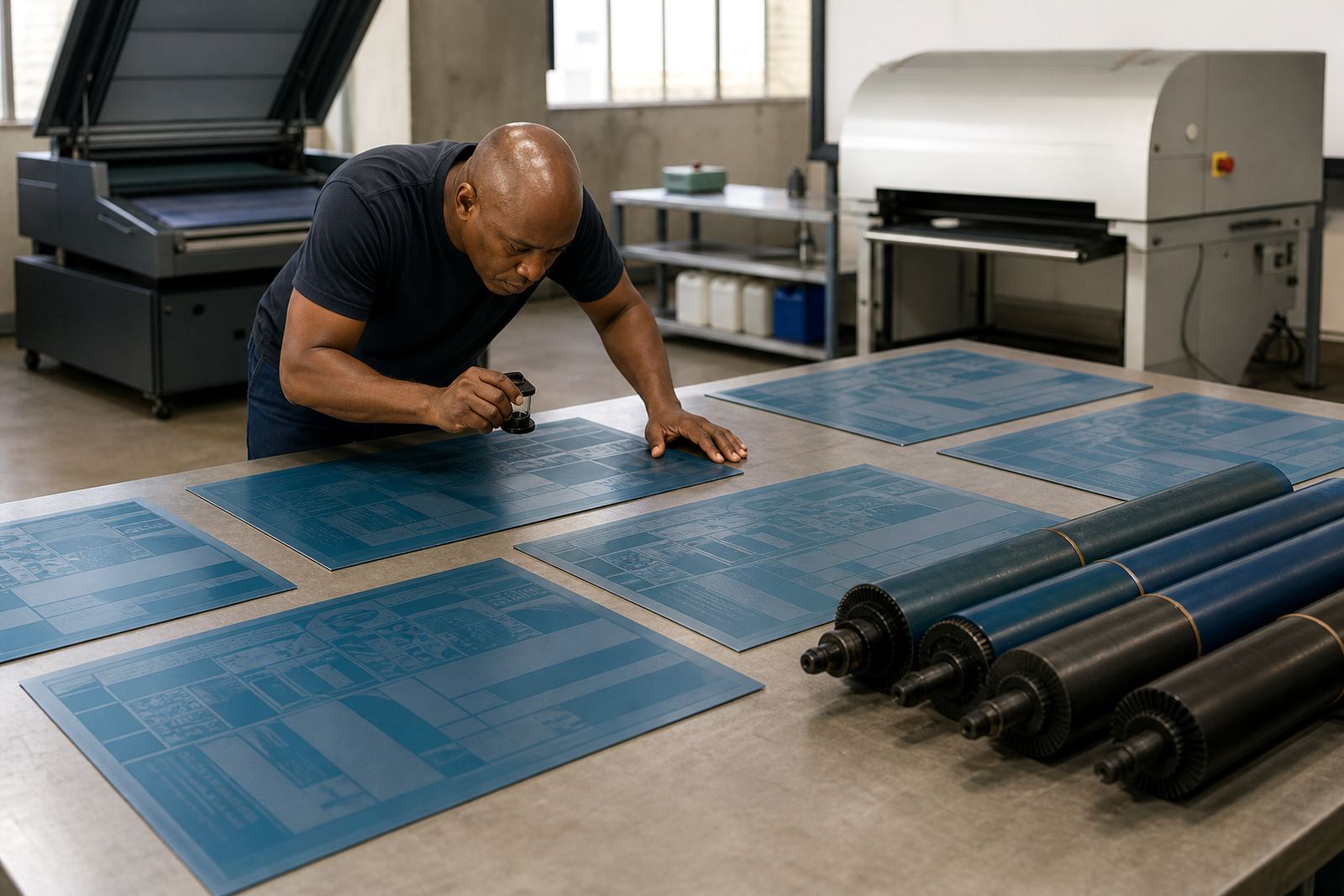
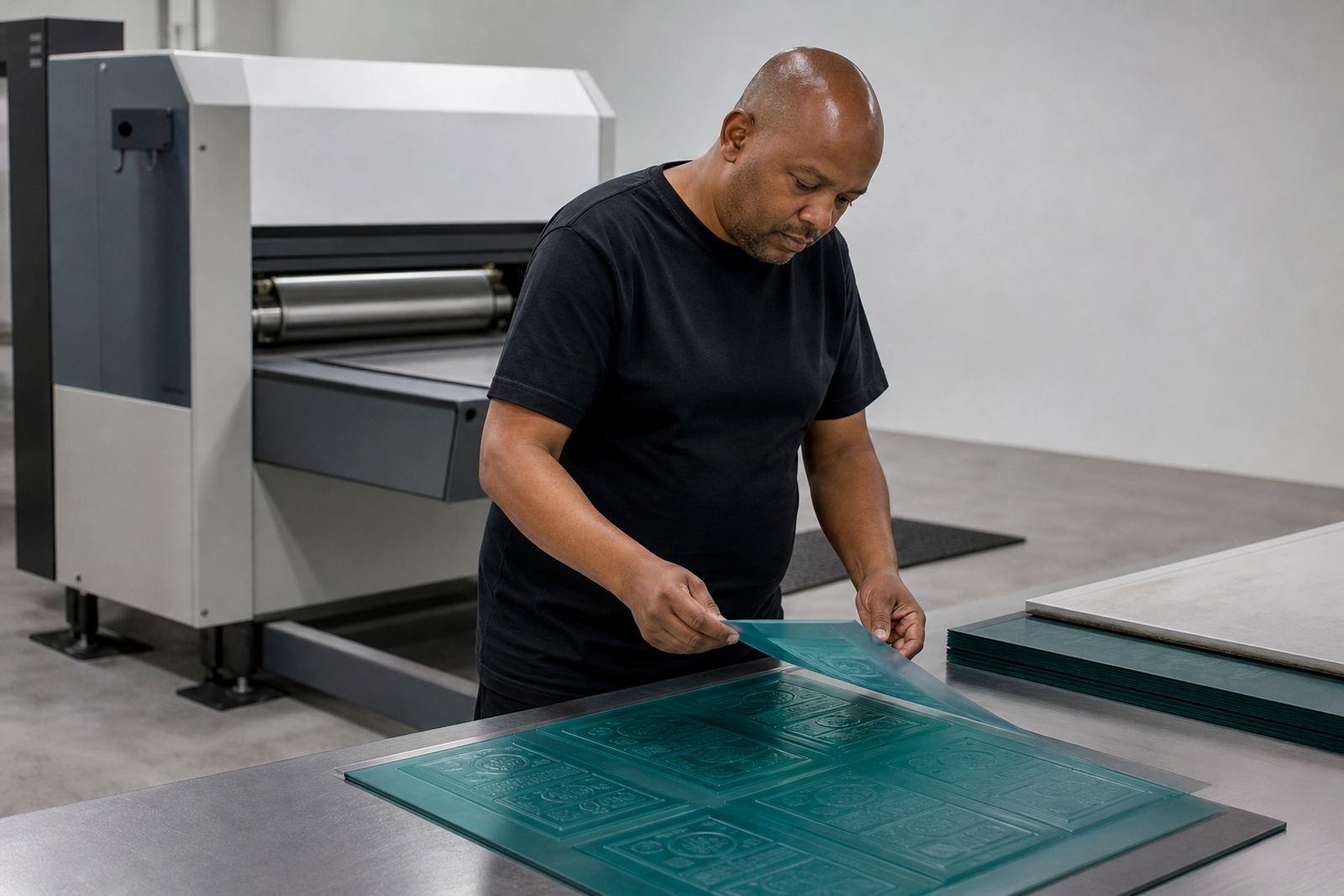
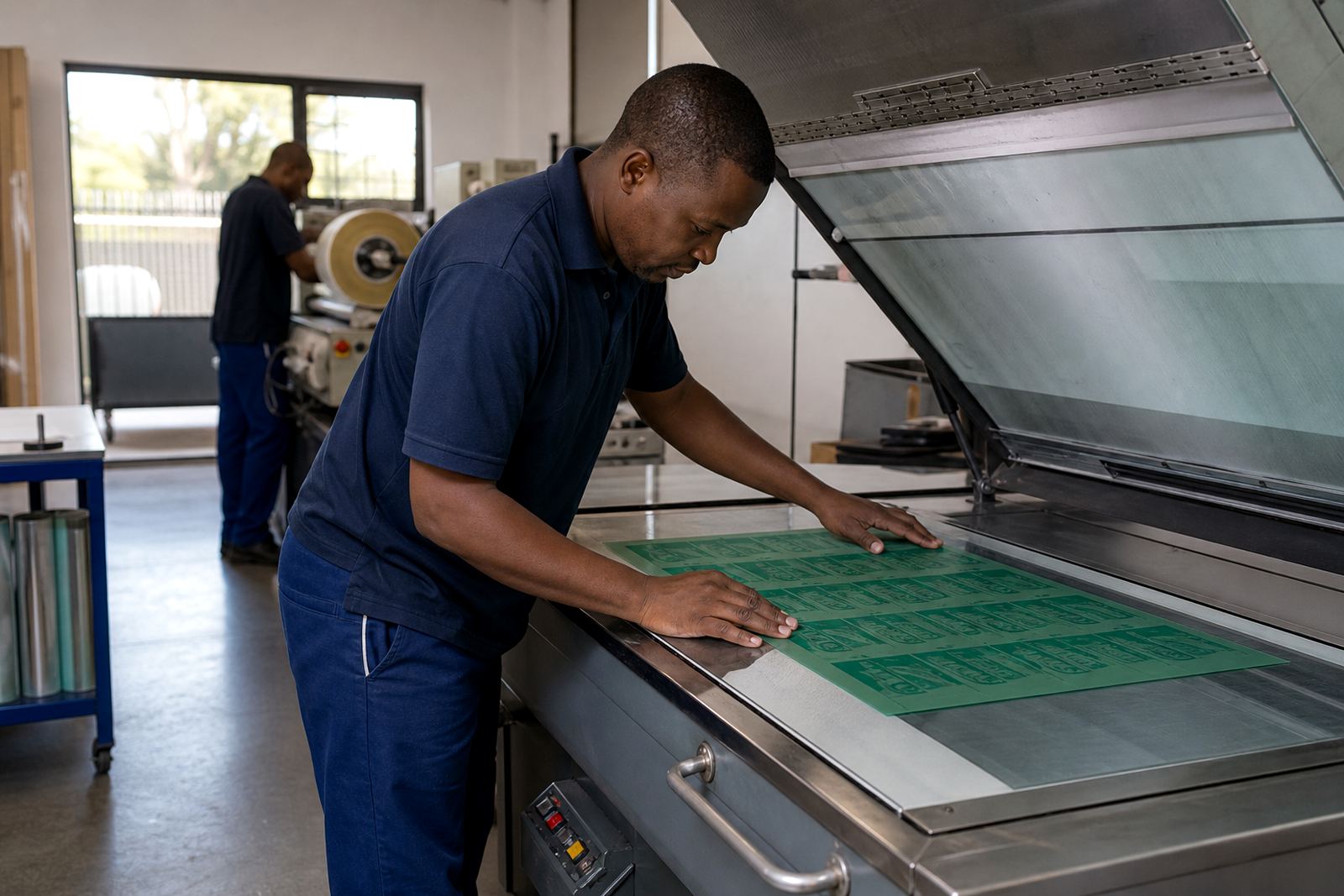
For flexo photopolymer plate-making, the main issue is not only whether the artwork fits, but whether it will print cleanly at the target size. Fine type, tight rules and busy backgrounds can close up on press, especially on shorter runs or where the substrate is less forgiving. A panel that reads well on screen can still become awkward once it is on a printed label roll or folded carton.
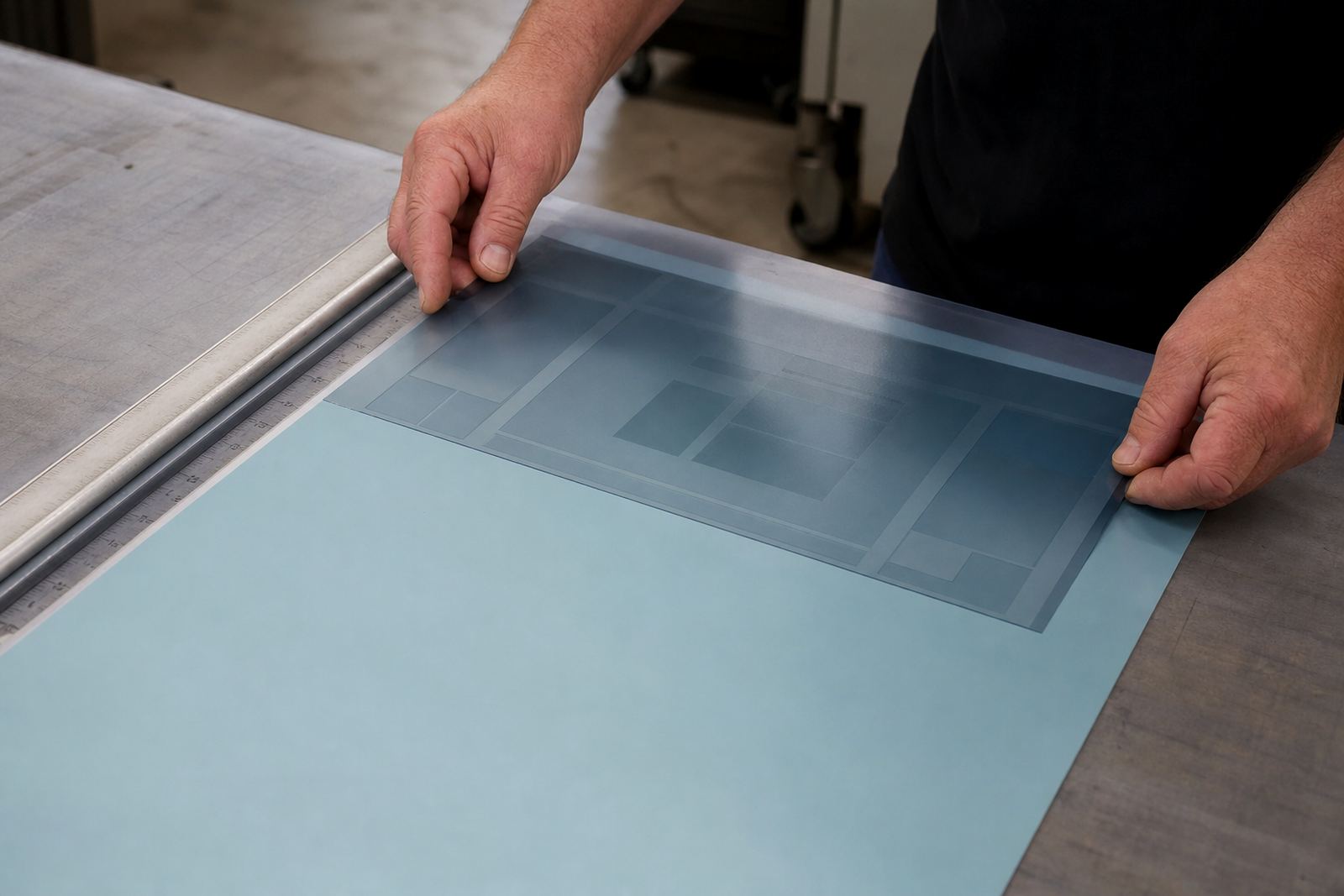
The best approach is to treat the ingredient panel as a working module. It should be designed with clear zones, predictable type hierarchy and enough breathing room for the plate to carry detail without breaking up. That matters whether the job is for a small packer in Midrand or a larger label printer sending cartons to Durban and Cape Town.
Set the text hierarchy before the artwork gets crowded
Order matters. A strong ingredient panel starts with a clear headline, then moves into ingredients, allergen notes and supporting information in a sequence that is easy to scan. If every line carries the same weight, the reader has to work too hard and the layout loses its purpose.
In practical plate-making terms, hierarchy also helps during preflight. It becomes easier to check whether the smallest text is still printable, whether line breaks are sensible and whether any part of the panel sits too close to a trim edge. Once a panel has too many competing weights, the plate can show muddiness in the fine details.
- Use one clear heading level for the panel title.
- Keep ingredient lines consistent in font size and spacing.
- Separate warnings, allergen notes and storage instructions.
- Leave margin space for trim, folds or registration shift.
- Check whether any text becomes too small after scaling.
These decisions are easier to make early than after the artwork is already locked. A practical layout saves time at prepress and reduces rework later.
Typography that survives flexo reproduction
Flexo plates reproduce type well when the lettering is clean, the spacing is sensible and the text is not forced too small. Ingredient panels often tempt designers to reduce type until everything fits, but tiny text can fill in or lose shape depending on the substrate and ink laydown. That is especially true on textured stock, clear film or uncoated material used in packaging and labels.
For better results, keep the letterforms open and avoid compressing the text too much. The plate maker also needs to check whether reversed text, small capitals or thin rules will hold once the plate is made. On a busy panel, even a small shift in spacing can change the whole reading rhythm, so the job should be reviewed carefully before trimming and dispatch.
- Avoid overly condensed type on safety or allergen lines.
- Use enough leading so lines do not merge.
- Do not rely on hairline rules to separate critical notes.
- Test how negative text behaves at the final size.
When printers ask for technical job advice, the aim is usually the same: protect legibility without bloating the panel. That balance is what keeps a pack compliant and readable on shelf.
Build in space for barcodes, batch marks and local compliance notes
Ingredient panels rarely stand alone. They often need a barcode, date code area, batch reference or traceability note close by. If these items are dropped into the artwork at the last minute, the panel can become crowded and the plate layout starts to suffer. A tidy layout gives each item a defined position so press operators are not forced to improvise.
South African packaging jobs often need room for local language text, municipal recycling notes or supplier details, depending on the product and destination. That makes it worth planning extra space from the start. A printer in Johannesburg may want a different balance to one supplying coastal stores in Gqeberha, where humidity, storage conditions and handling can affect the final pack in ways that are easy to overlook.
It also helps to think about where the panel sits on the finished pack. A side panel near a fold or seal can distort after filling, while a flat front panel may be easier to read but harder to fit alongside artwork and branding. The plate should follow the practical shape of the pack, not only the artwork on the screen.
Proof comparison should happen before the plate is trimmed
One of the easiest mistakes to make is to approve the layout too quickly and only spot issues after the plate has been trimmed. By then, a small shift in line length or panel width can force another remake. Proof comparison is there to catch those problems early, before the job moves into mounting, packing or courier dispatch.
A thorough check should include spelling, ingredient order, barcode placement, overprint areas and the fit of the panel within the finished die line. If an ingredient list is long, check whether line wraps land in sensible places. If a warning note is short, make sure it does not sit awkwardly alone at the bottom of the block.
- Compare the proof against the latest approved artwork.
- Check that nothing important sits too close to a cut line.
- Confirm that all notes and legal text are still readable.
- Review the panel in the same orientation it will print.
That kind of checking is practical, not fancy. It simply saves time and keeps the final plate aligned with what the printer actually needs.
A Midrand example: tighter panels for high-volume label work
A recent type of job in Midrand showed how quickly ingredient panels can become difficult. The label had a long ingredient list, an allergen statement, a barcode and a small storage instruction block, all fitted beside a product image. The first layout looked acceptable on screen, but once the text was set at final size the panel felt cramped and the smallest lines were too close to the edge.
The fix was not dramatic. The panel was reworked with clearer spacing, the warnings were separated from the ingredient list and the barcode area was given proper breathing room. That made the plate easier to reproduce and gave the printer a cleaner panel to run across multiple label rolls. For a job like that, plate trimming, plate labelling and careful dispatch packing all matter, because a small mix-up can slow the whole print run.
Whether the job is headed to Pretoria, Durban, Cape Town or Gqeberha, the same principle applies: ingredient panels need disciplined layout choices long before the press starts. If the panel is designed with print reality in mind, the plate can do its job properly and the finished packaging reads the way it should.