
Why warning symbols fail on press
In label printing, warning symbols often lose clarity for simple reasons. The symbol is too small, the line work is too fine, the contrast is weak, or the plate carries detail that looked fine on screen but breaks down on press. Once that happens, the label may still pass a casual glance, but the warning loses force and the pack no longer does its job properly.
We see this often on short-run and repeat work where the artwork has been reused without a fresh check. A symbol that worked on a carton at one size may not hold up on a small pressure-sensitive label. That is why warning symbol clarity should be treated as a production issue, not only a design issue.
- Small symbols need stronger line weight than larger labels.
- Poor contrast can make a symbol disappear on tinted stock.
- Overly fine detail can fill in during printing.
- Edge distortion can happen if plate mounting is not handled carefully.
Artwork checks before plate making begins
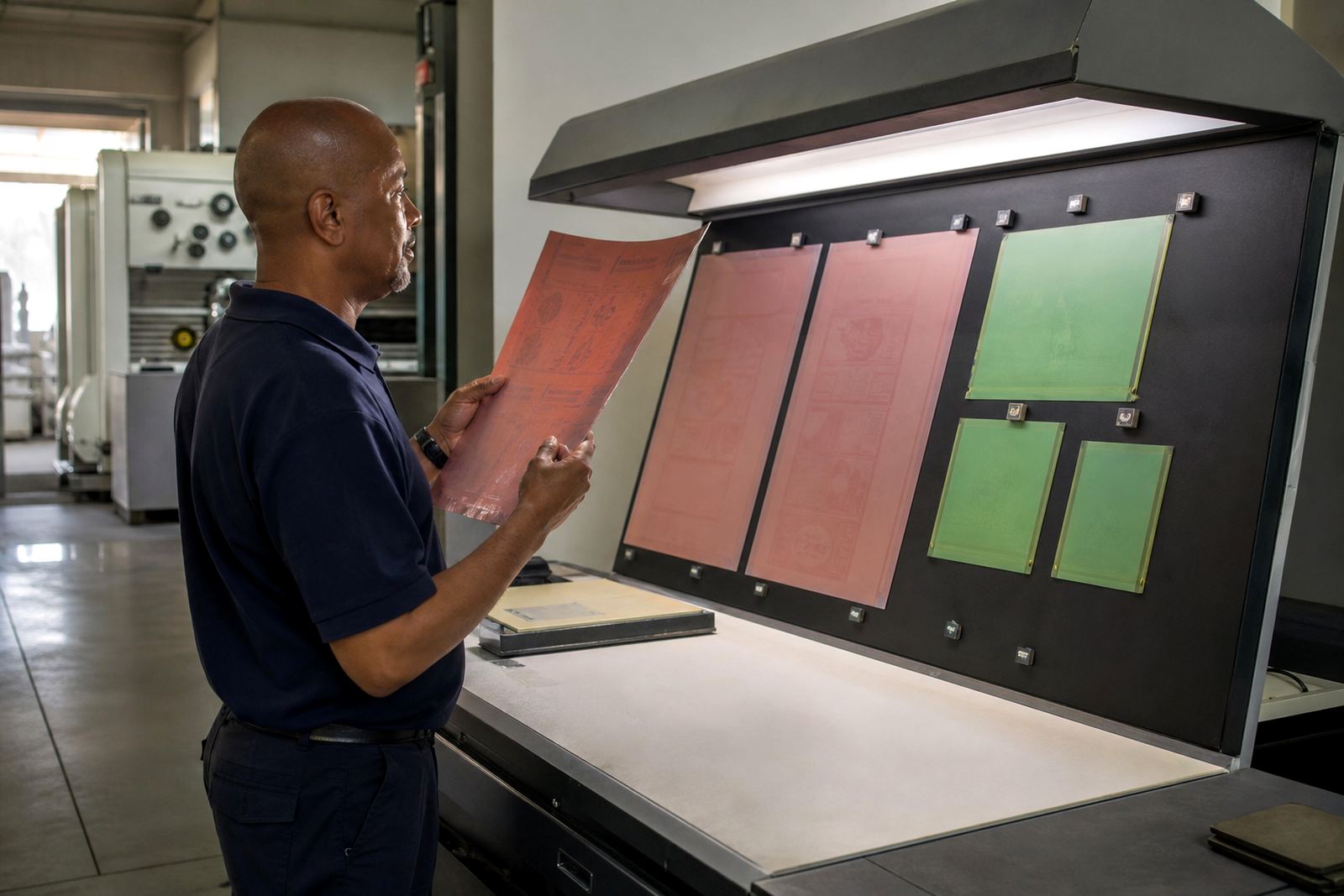
Good warning symbols start with file checking and preflight, not after the plate has been made. A proper prepress review checks artwork size, resolution, trapping, overprint settings, and whether the warning icon has enough open space around it. If the symbol is crowded by text or barcode elements, it may lose visibility once the label is printed and cut.
On packaging and label work, the layout must also suit the stock. Gloss surfaces, matte papers, clear films, and textured substrates all affect how much contrast the symbol needs. In Midrand we often advise printers to test the symbol at actual output size, because a warning mark that looks crisp on a monitor can turn weak when printed at 12 mm or 15 mm.
- Check the symbol at final label size, not just at artwork size.
- Keep adequate clear space around the icon.
- Confirm the colour choice against the actual substrate.
- Review fine text near the warning area for legibility.
How photopolymer plates protect fine symbol detail
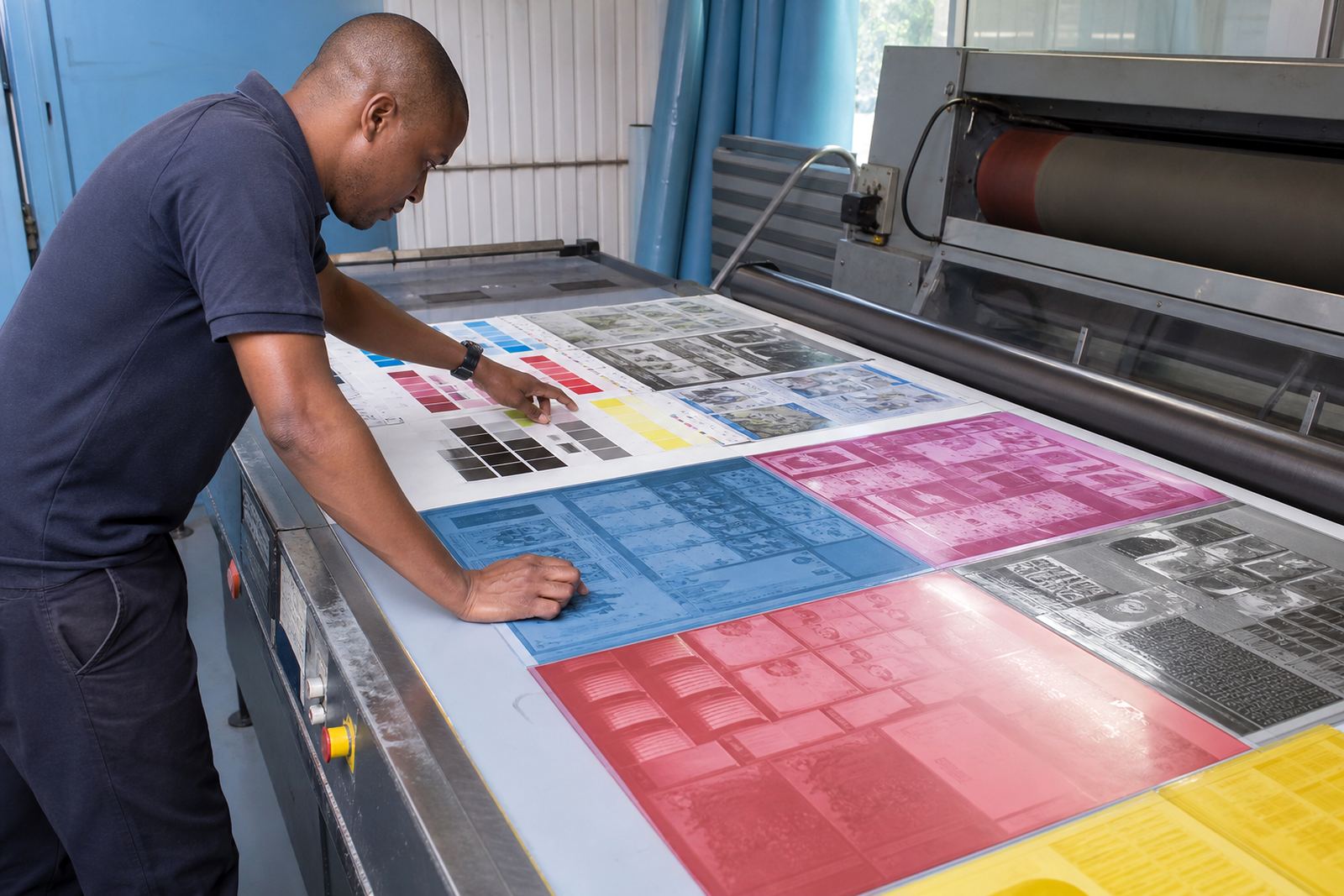
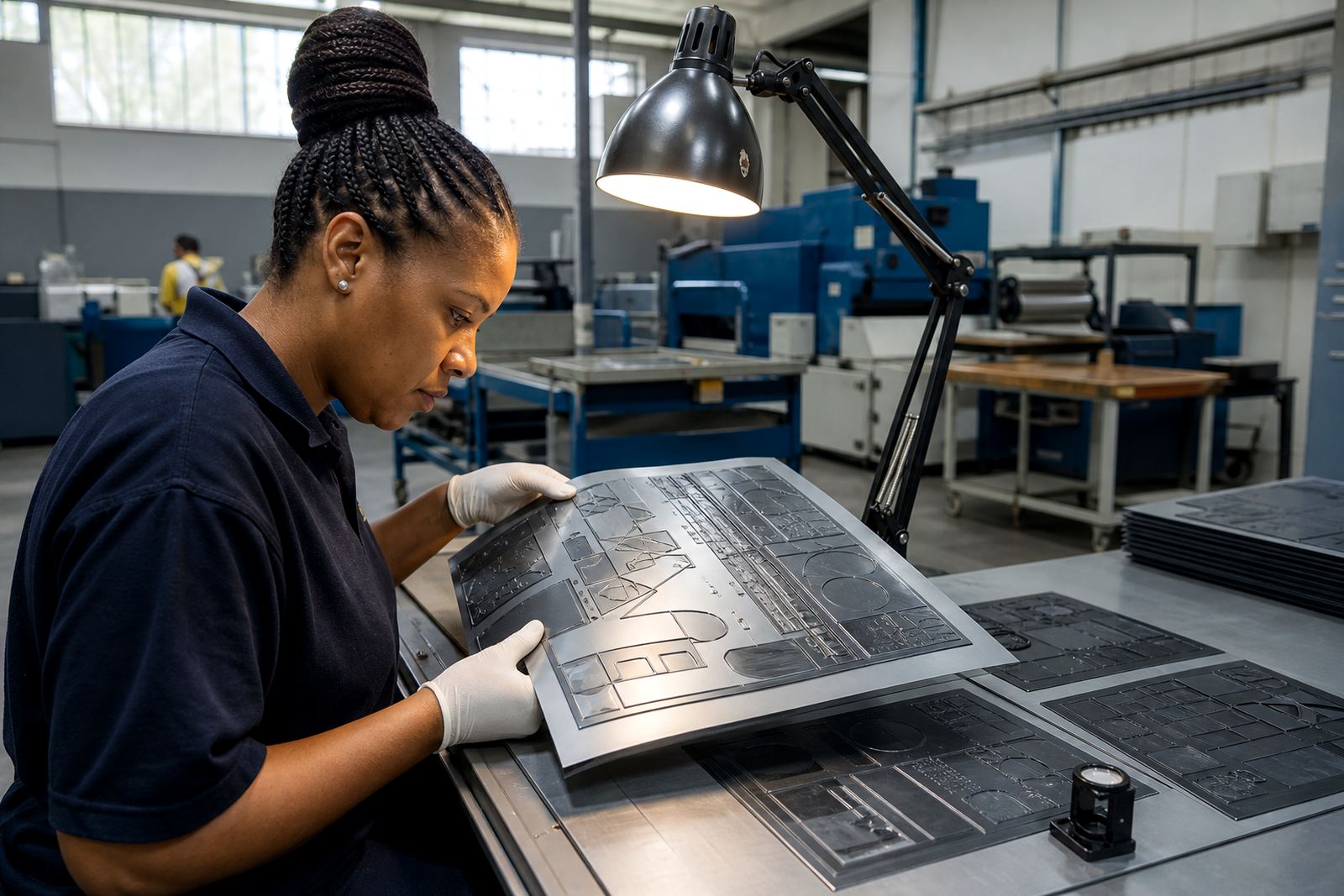
Photopolymer plate-making has a direct effect on symbol clarity because the plate decides how much detail reaches the press. If the image is not exposed properly, if screening is not handled carefully, or if plate relief is inconsistent, small shapes can soften or fill in. The result is usually most obvious on warnings, where the eye expects hard edges and immediate recognition.
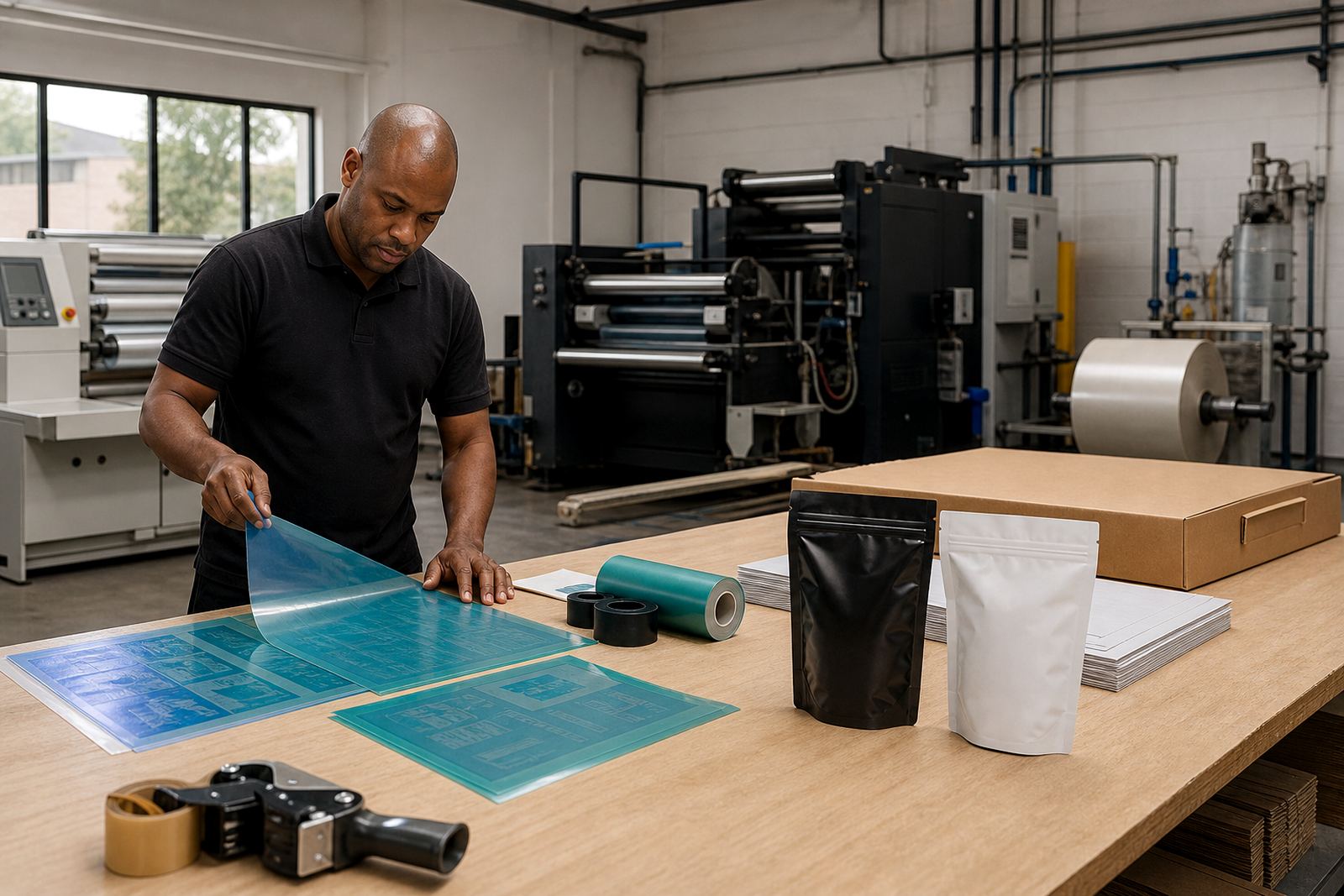
That is why plate making for label and packaging printers must be controlled from start to finish. Plate thickness, plate trimming, surface handling, and storage all matter. Even handling after imaging can affect the final result if the plate is marked, stretched, or mounted with uneven tension. In hot weather and coastal humidity, plates also need sensible care before dispatch and on arrival at the print shop.
- Controlled exposure helps preserve sharp edges.
- Correct screening supports smooth solids and readable shapes.
- Careful trimming avoids edge damage before mounting.
- Good storage protects plates from dust, heat and moisture.
Local example: a Johannesburg label run with a safety icon issue
Consider a Johannesburg printer producing small labels for a chemical product. The warning symbol was present in the artwork, but it sat too close to a block of text and the final size was reduced to fit the label. On the first proof, the icon was still visible, but the black elements began to close up once the plate was mounted and the run moved onto press.
The fix was not complicated, but it needed discipline. The file was checked again, the icon was given more space, the plate was remade with better attention to the fine detail, and the proof was compared against the artwork before dispatch. The final labels held their shape properly, which gave the printer a cleaner result and the pack a clearer warning.
That sort of correction saves time later. It also avoids reprints, delays, and awkward conversations with customers who expect a warning mark to be instantly legible on every label.
Practical steps printers can take before ordering plates
Label printers do not need to guess their way through warning symbol work. A few practical checks before plate production can prevent most visibility problems. This is especially useful for repeat jobs, where a design may have drifted over time as artwork files were adjusted for different products, sizes, or substrates.
When a job is prepared properly, the plate room can focus on accuracy instead of trying to rescue a poor file. That means fewer remakes, better press stability, and less waste from trial and error. It also helps when jobs are moving between Gauteng and coastal centres, where dispatch timing and humidity can affect how carefully material needs to be packed.
- Send the final approved artwork, not an older version.
- Keep warning symbols large enough for the label size.
- Ask for a proof comparison before plate approval.
- Confirm whether the stock is white, tinted, clear or metallic.
- Plan for delivery and handling if the job will travel across provinces.
What disciplined plate production gives your label room to do
Warning symbol clarity is not about decoration. It is about readable communication on a finished product. With proper file checking, sensible artwork, and careful flexo plate production, a label printer can keep the warning visible from first proof to final pack-out. That matters whether the job is going to Pretoria, Durban, Cape Town, Gqeberha, or staying local in Midrand and the East Rand.
At Flexo Printer Plates, the focus is on practical production support for label and packaging printers. That includes plate making, artwork preflight, file checking, imposition planning, screening support, proof comparison, plate trimming, plate labelling, remake support, dispatch packing, collection coordination, and technical job advice. For warning symbols, the aim is simple: make sure the mark stays clear, press-friendly, and fit for the job it has to do.